Set Quantities, Caps And Free Days On A Charge
Before You Start
Section titled “Before You Start”- Plan or add-on: All plans, Car Rental module.
How It Works
Section titled “How It Works”Quantities
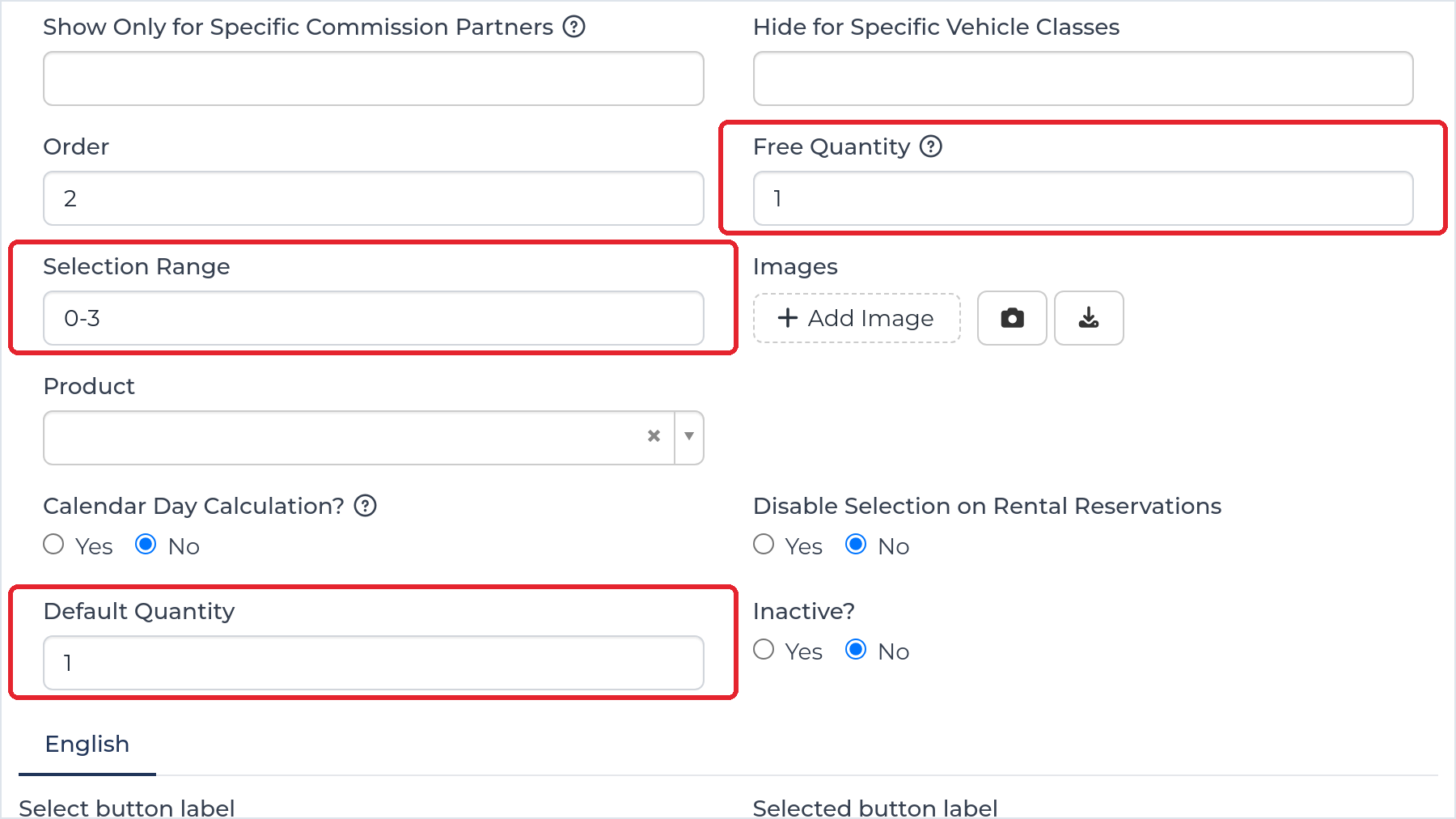
Section titled “Quantities”Selection Range sets the quantity list for Multiple charges, like 0-3. Empty shows 0 to 4. Default Quantity preselects a quantity. Free Quantity takes that many units off before pricing.
Example: An extra driver at $10 a day with Free Quantity 1. 3 drivers on 5 days cost (3 − 1) × $10 × 5 = $100.
Caps And Minimums
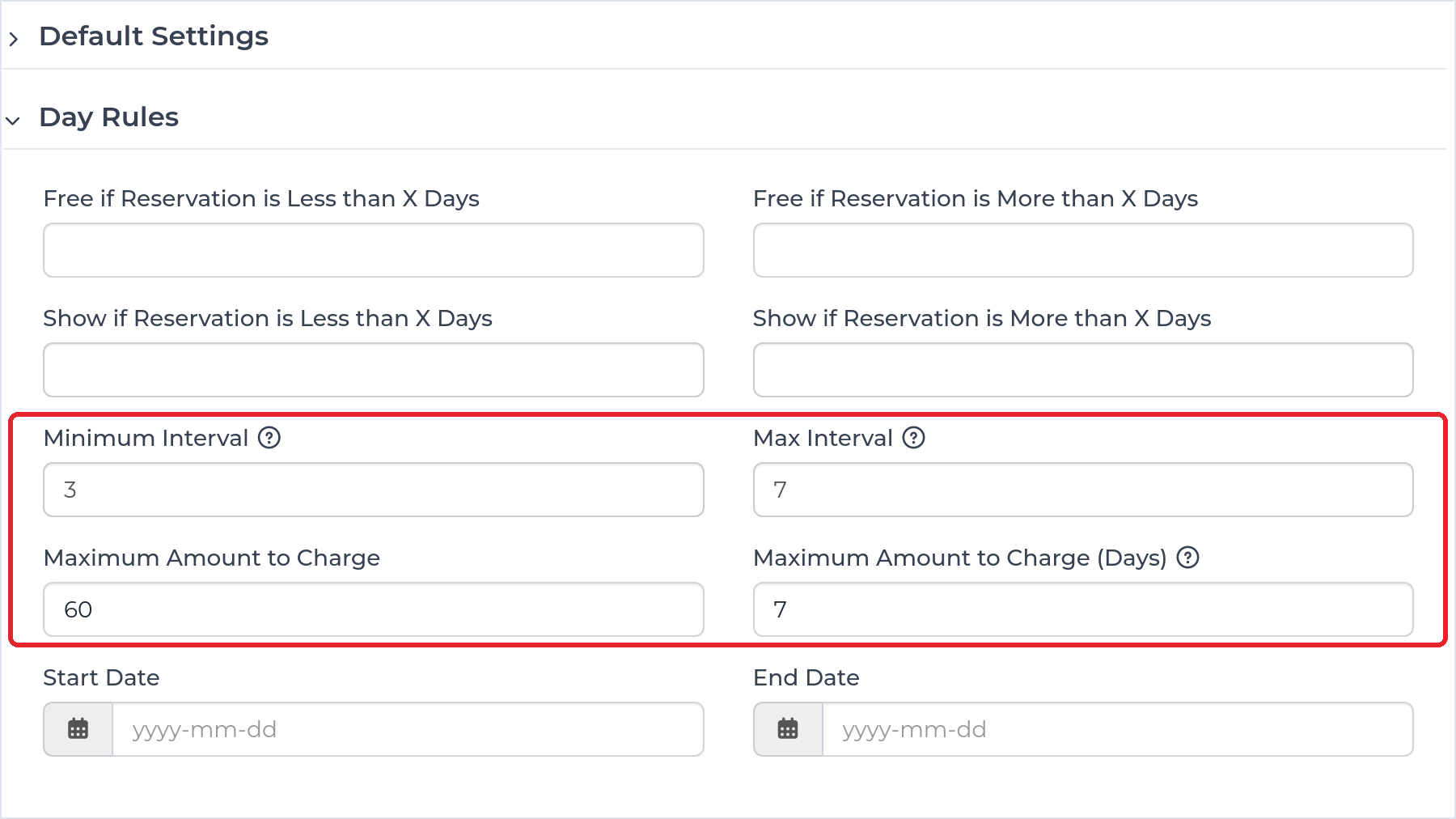
Section titled “Caps And Minimums”Minimum Interval and Max Interval charge at least or at most that many units. Maximum Amount to Charge caps one unit’s price. Maximum Amount to Charge (Days) starts the cap again every that many days.
Example: $15 a day on 10 days with a $60 cap every 7 days: the first 7 days cost $60 and the last 3 cost $45, so $105.
Free And Shown By Length
Section titled “Free And Shown By Length”Free if Reservation is Less than X Days and More than X Days make the charge cost 0. Show if Reservation is Less than X Days and More than X Days offer it only at those lengths, the number included. Start Date and End Date limit it by dates.
Example: A toll pass at $5 a day, free for more than 14 days. 14 days cost $70 and 15 days cost $0.
Set It Up
Section titled “Set It Up”Get There
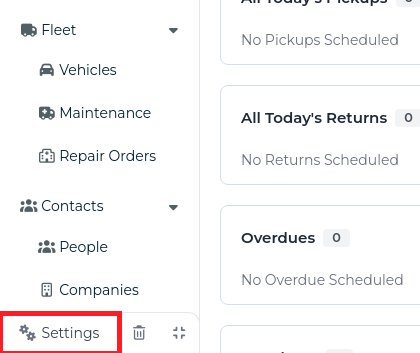
Section titled “Get There”- Click Settings at the bottom of the left menu.
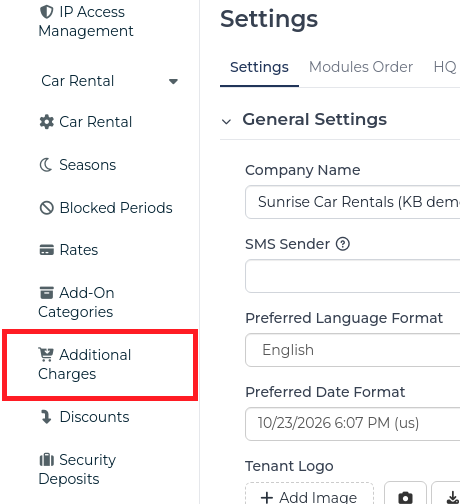
- In the left menu, under the group Car Rental, click Additional Charges.
Show me where (2 pictures)
Page address: /settings/fleets/additional-charges
Set The Limits
Section titled “Set The Limits”- Click the charge to open it.
- Open Day Rules and fill in the free, show, interval and maximum fields you need.
- Open Advanced and fill in Free Quantity, Selection Range and Default Quantity.
- Click Save at the bottom of the page.
Show me where (2 pictures)
Good To Know
Section titled “Good To Know”- Maximum Amount to Charge is meant for Daily Amount and Percent charges, and is in your Default Currency.
- When the dates change, a charge that no longer fits its show limits is removed.
If Something Goes Wrong
Section titled “If Something Goes Wrong”The Charge Counts One Day More Than The Rental
Section titled “The Charge Counts One Day More Than The Rental”- Why it happens: Apply Extra Day After More Than x Hours (Additional Charges) or Calendar Day Calculation? adds a day.
- What to do: Check both. See How Each Charge Type Is Calculated.
Settings Used In This Article
Section titled “Settings Used In This Article”- Extensions Reset the Max Days to Charge for Additional Charges: starts the cap again on each extension. Hidden setting in Settings, under Car Rental, tab Charges & Fees, section Additional Charges.