Set Distance Limits For A Vehicle Class Or Rate Type
Before You Start
Section titled “Before You Start”- Plan or add-on: All plans, Car Rental module.
- Enable Odometer Tracking must be Yes. See Set Up Distance Limits.
How It Works
Section titled “How It Works”The Vehicle Class Comes First
Section titled “The Vehicle Class Comes First”For each limit, HQ uses the customer’s value, then the Vehicle Class, then the Rate Type, then the general setting. A 0 or empty field on a Vehicle Class or Rate Type is skipped.
Example: A Corporate booking of an Economy gets 150 km a day from the class. A Corporate booking of an SUV with no limit gets 300 km from the Rate Type.
Set It Up
Section titled “Set It Up”Set Limits For A Vehicle Class
Section titled “Set Limits For A Vehicle Class”Get There
Section titled “Get There”- Click Settings at the bottom of the left menu.
- In the left menu, under the group Fleet, click Vehicle Classes.
Show me where (2 pictures)
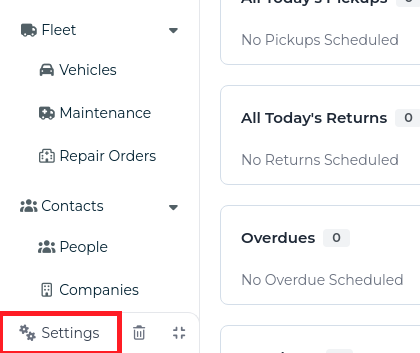
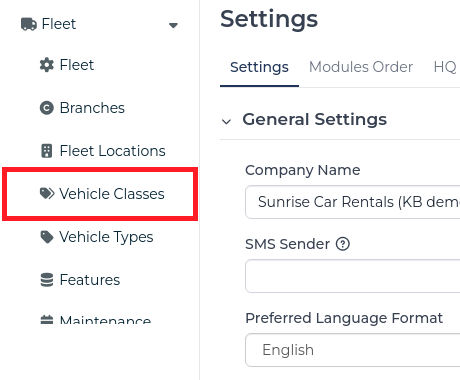
Page address: /settings/fleets/vehicle-classes
- Click the Vehicle Class to open it.
- Enter its limits and Additional Charge for Exceeded Distance. Leave a field empty to use the next source.
- Click Save at the bottom of the page.
Show me where (1 picture)
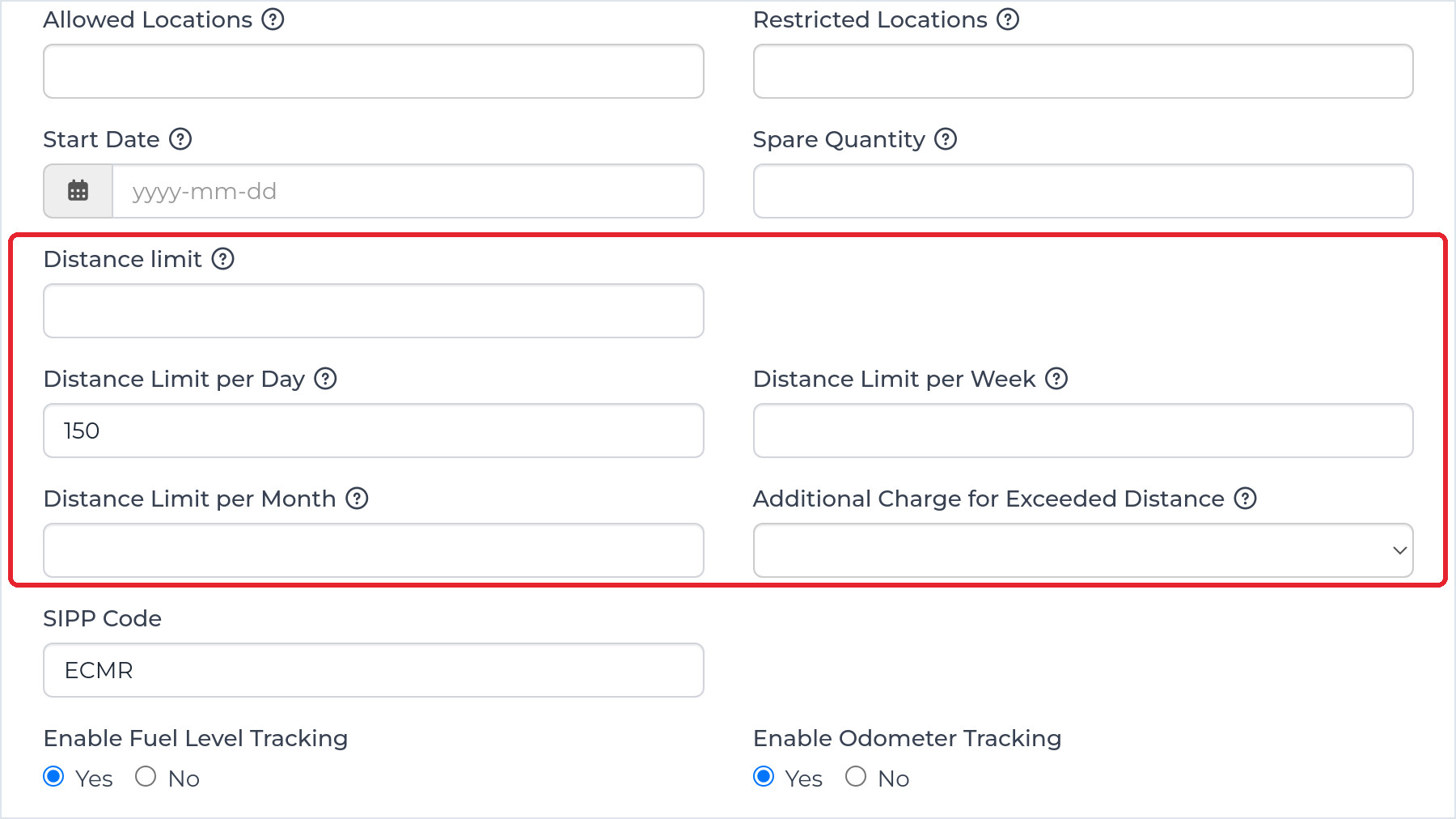
Set Limits For A Rate Type
Section titled “Set Limits For A Rate Type”Get There
Section titled “Get There”- Click Settings at the bottom of the left menu.
- In the left menu, under the group Car Rental, click Rates.
Show me where (2 pictures)
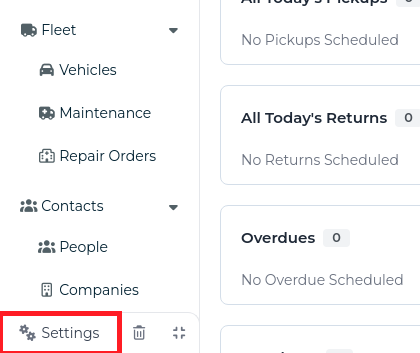
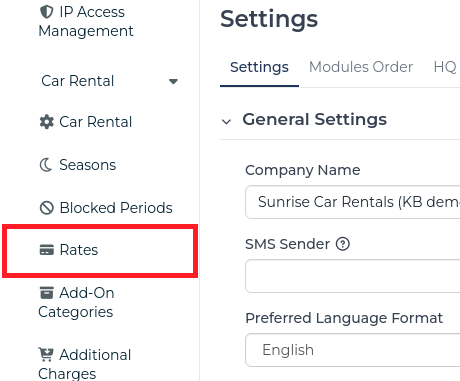
Page address: /settings/car-rental/rates
- Click ☰ at the top right of the list, then click Rate Types.
- Click the Rate Type, enter its limits and Additional Charge for Exceeded Distance.
- Click Save.
Show me where (1 picture)
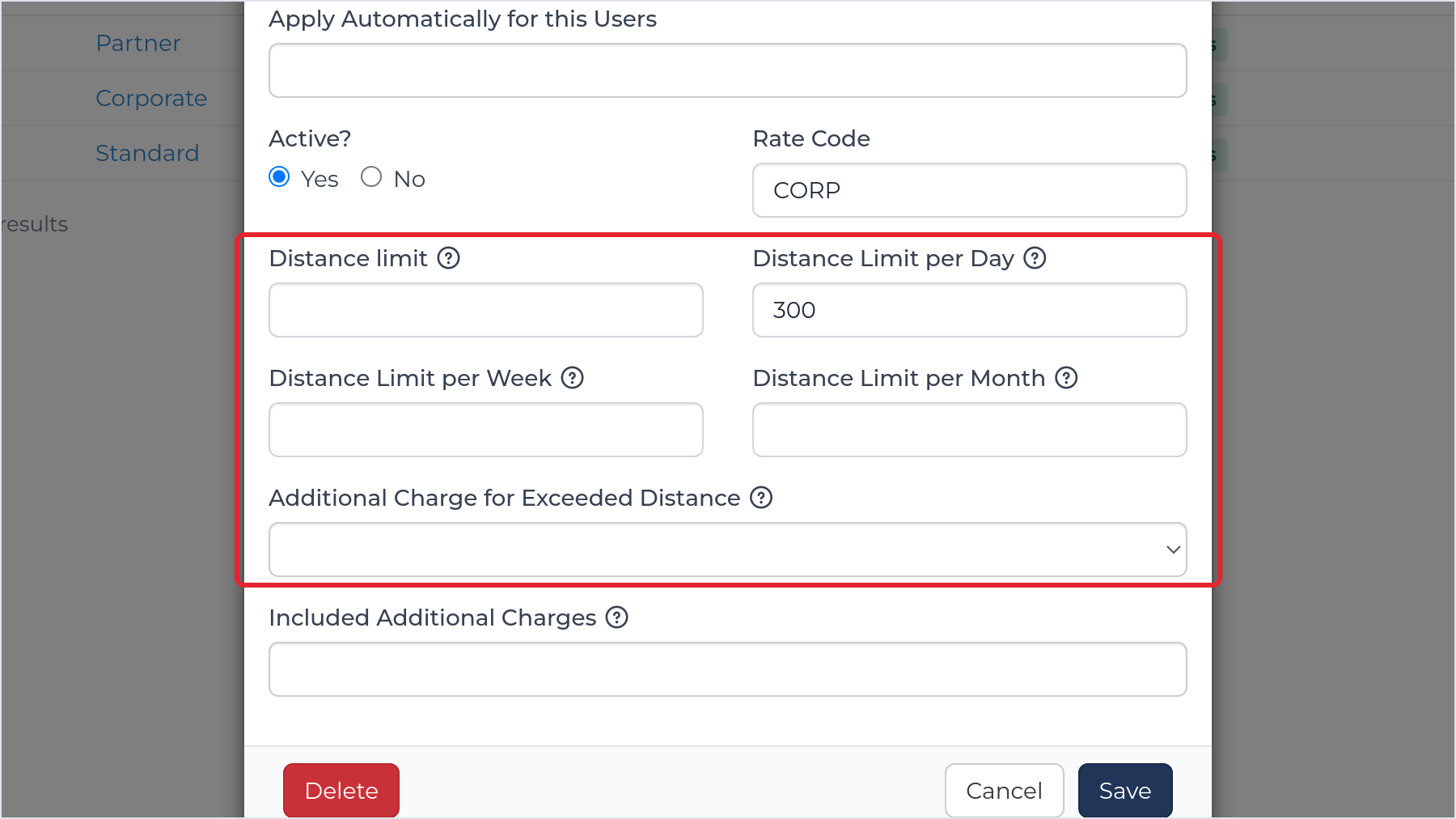
Good To Know
Section titled “Good To Know”- Each new Vehicle Class has Enable Odometer Tracking set to Yes.
- Customers can have their own limits in their business rules. A customer value of 0 counts.
If Something Goes Wrong
Section titled “If Something Goes Wrong”The Allowance Is Not What I Set On The Rate Type
Section titled “The Allowance Is Not What I Set On The Rate Type”- Why it happens: The Vehicle Class or the customer has its own limit, and it comes first.
- What to do: Check the Vehicle Class and the customer’s Car Rental panel.