Clone A Rate
Before You Start
Section titled “Before You Start”- Plan or add-on: All plans, Car Rental module.
How It Works
Section titled “How It Works”A Copy You Must Change
Section titled “A Copy You Must Change”Clone opens Add Rate with every value of the rate. The new rate needs a different Season, Vehicle Class, Rate Type or Locations.
Example: You clone the Standard rate of Economy and change only the Rate Type to Corporate. HQ saves a second Economy rate for Corporate.
Set It Up
Section titled “Set It Up”Clone One Rate
Section titled “Clone One Rate”Get There
Section titled “Get There”- Click Settings at the bottom of the left menu.
- In the left menu, under the group Car Rental, click Rates.
Show me where (2 pictures)
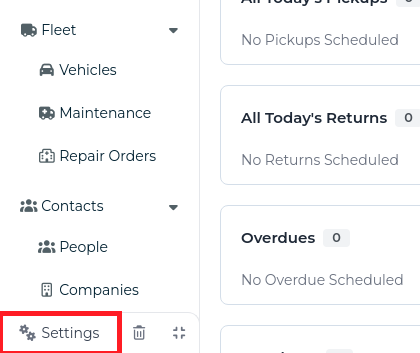
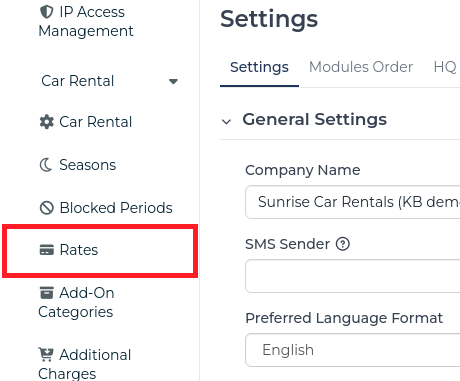
Page address: /settings/car-rental/rates
- Click a rate to open it.
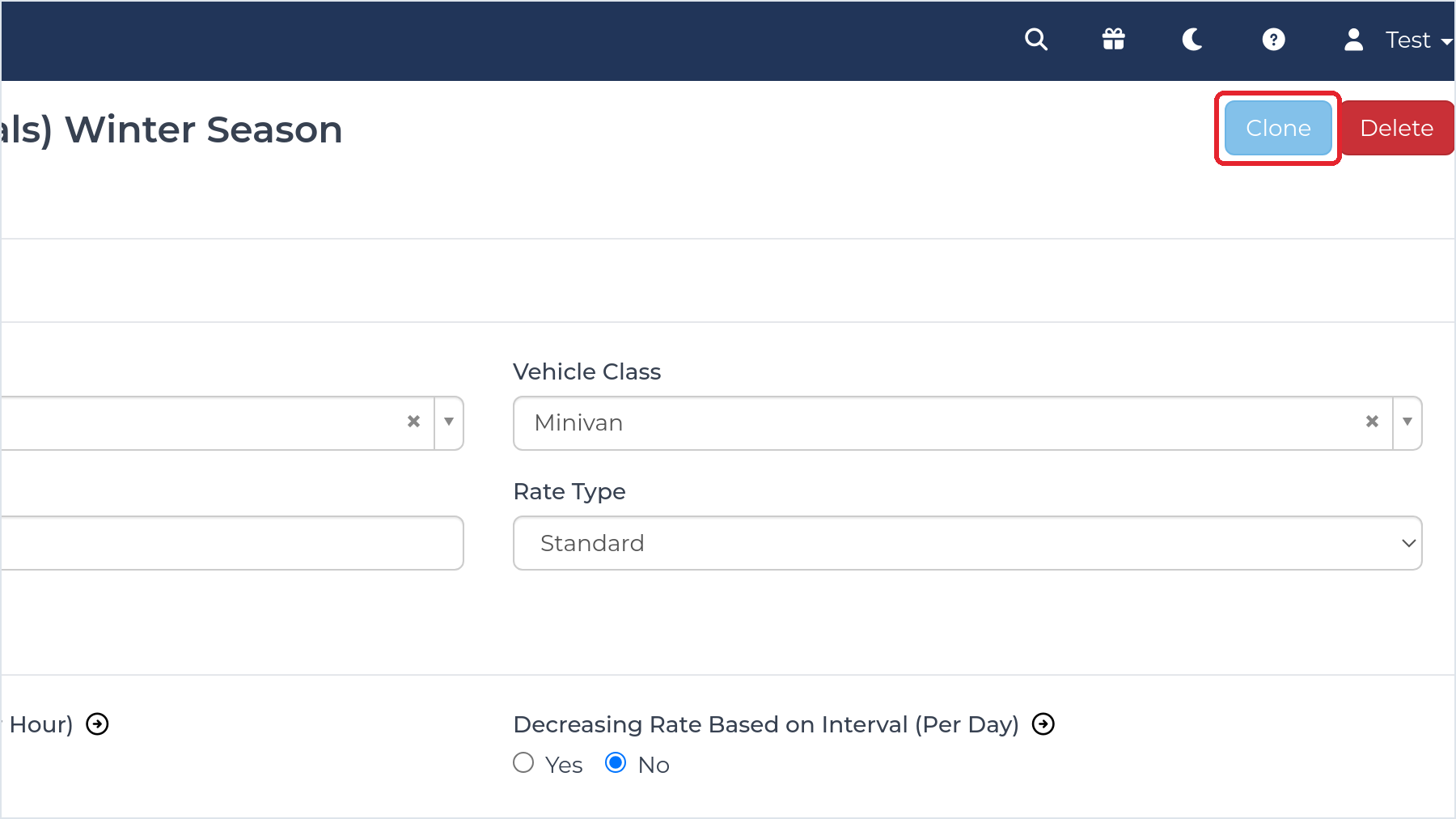
- Click Clone at the top right.
- Change the Season, Vehicle Class, Rate Type or Locations, and the prices.
- Click Save.
Show me where (1 picture)
If Something Goes Wrong
Section titled “If Something Goes Wrong”This Combination Is Already Defined
Section titled “This Combination Is Already Defined”- Why it happens: The Season, Vehicle Class, Rate Type and Locations are the same as the original rate.
- What to do: Change at least one of them.