Add Young And Old Driver Fees
Before You Start
Section titled “Before You Start”- Plan or add-on: All plans, Car Rental module.
- You need: an Additional Charge for each fee.
How It Works
Section titled “How It Works”Who Counts
Section titled “Who Counts”Each driver at or below Young Driver Age Limit adds one unit of the young driver charge. Each driver at or above Old Driver Age Limit adds one unit of the old driver charge. The primary driver and every additional driver count.
Example: Limit 25 and $12 a day. A 5 day rental with drivers aged 24 and 25 has quantity 2: 2 × $12 × 5 = $120. With a 26 year old second driver, it costs $60.
Set It Up
Section titled “Set It Up”Get There
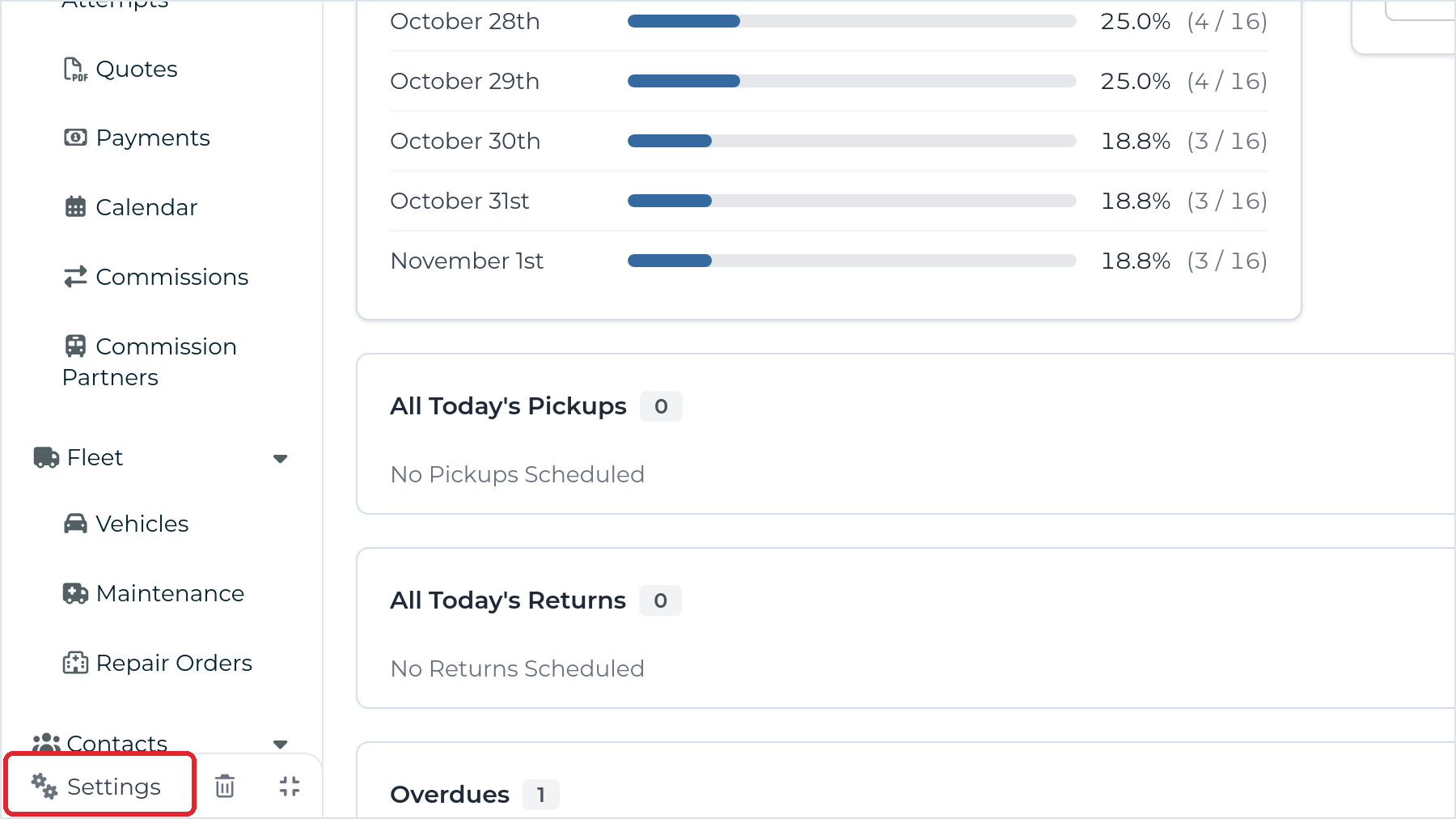
Section titled “Get There”- Click Settings at the bottom of the left menu.
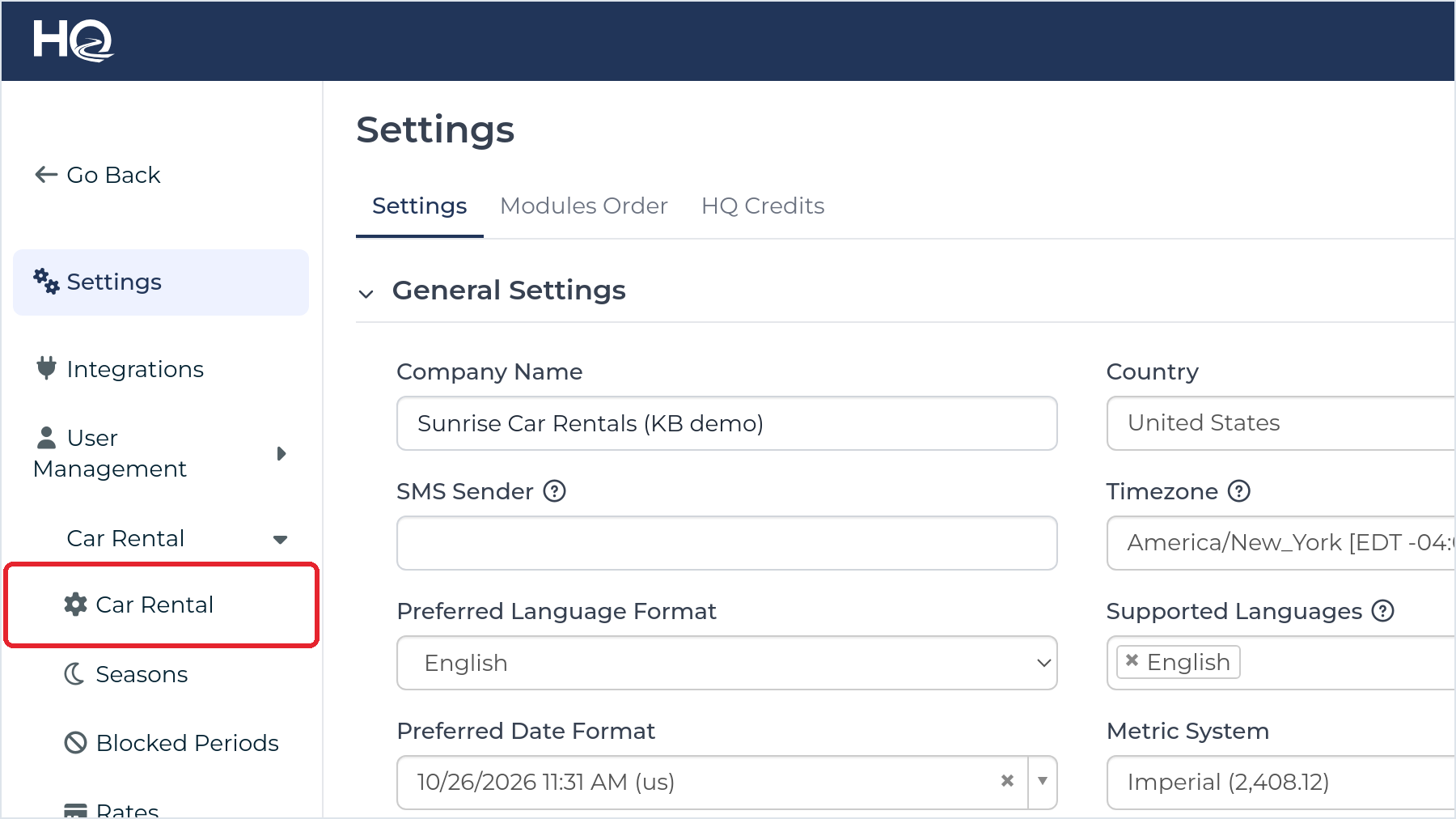
- In the left menu, under the group Car Rental, click Car Rental.
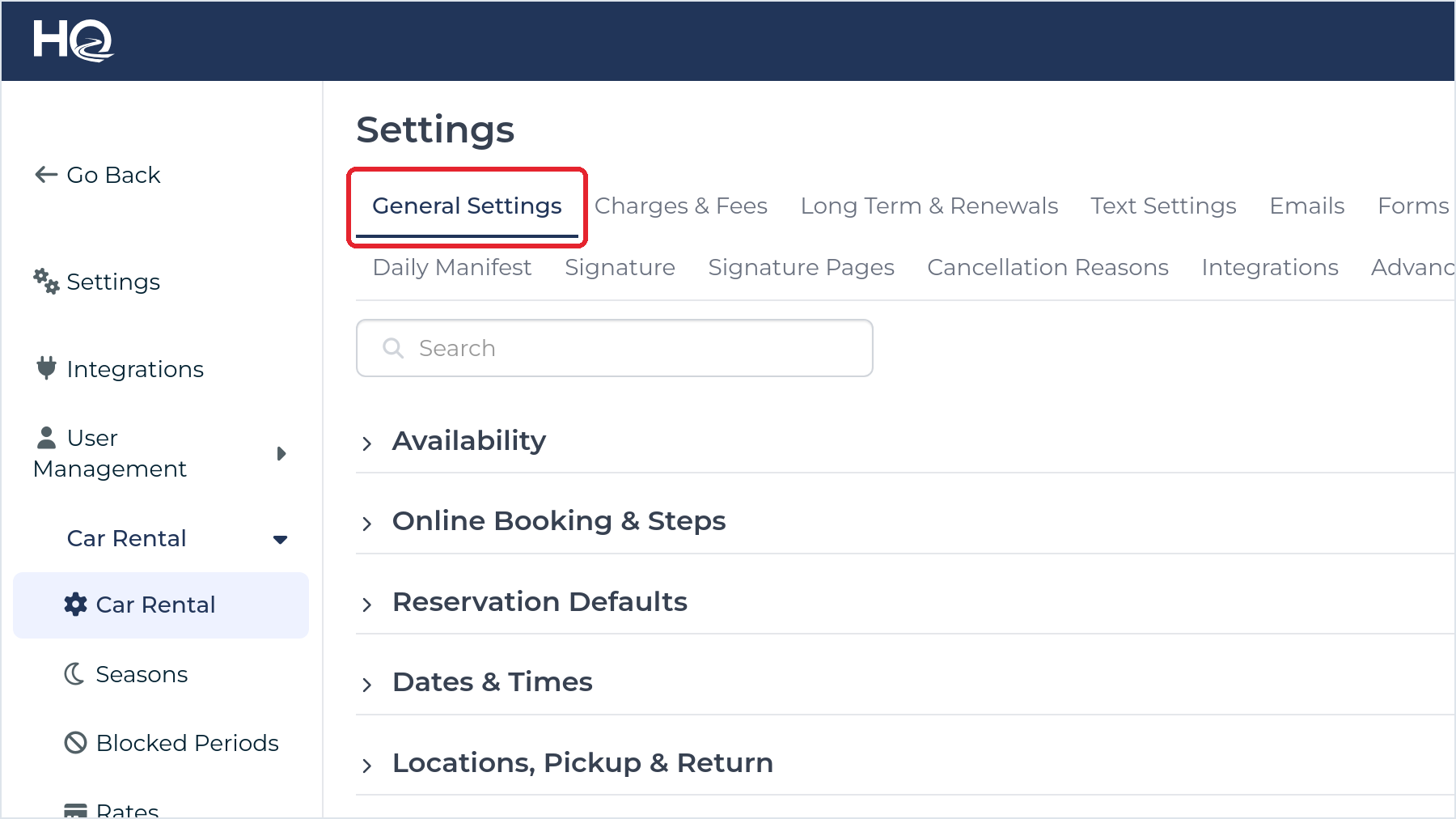
- Stay on the tab General Settings. It opens first.
Show me where (3 pictures)
Page address: /settings/car-rental
Set The Fees
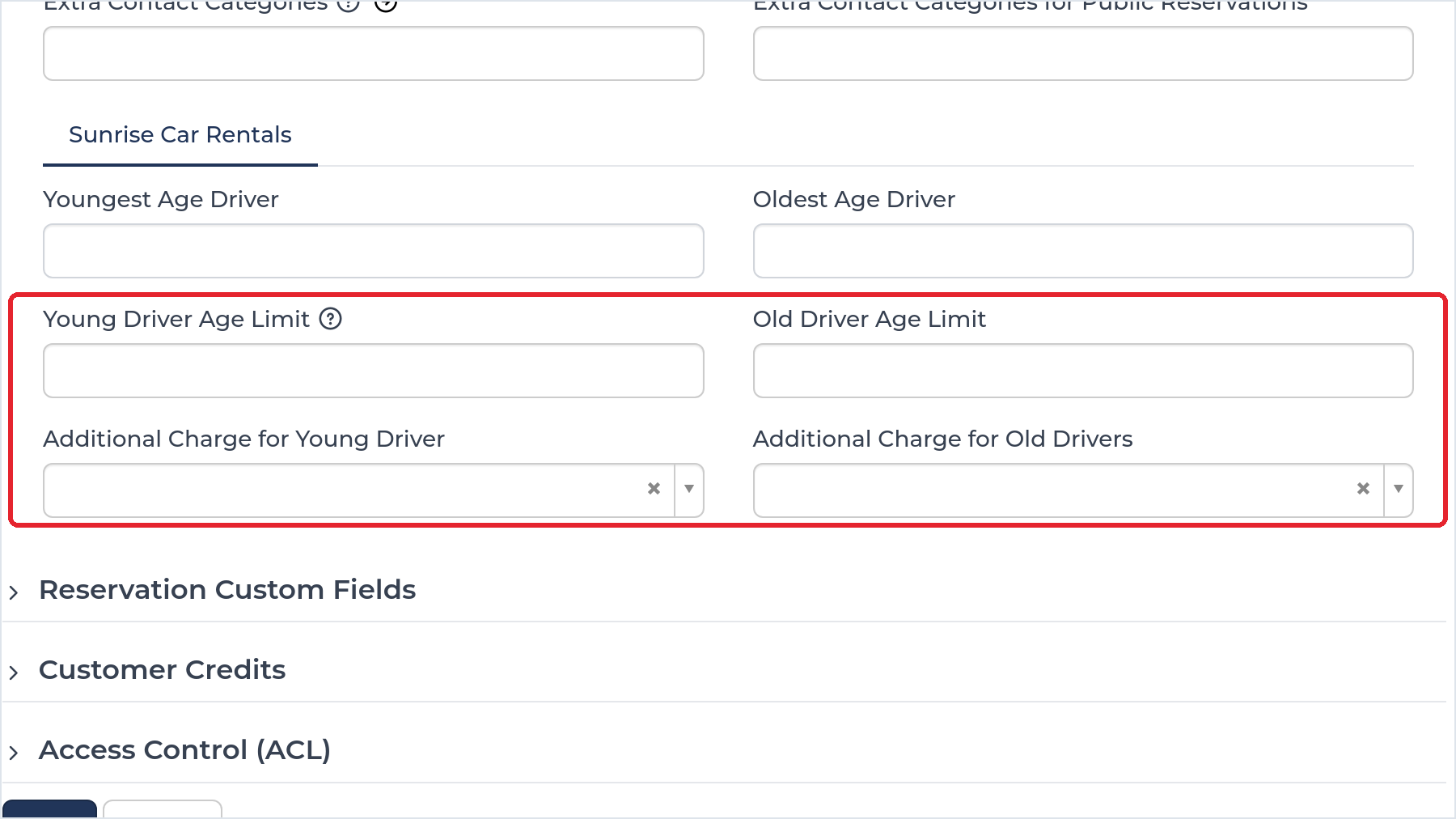
Section titled “Set The Fees”- Open the section Driver Settings and the tab of your Branch.
- Enter the Young Driver Age Limit and choose the Additional Charge for Young Driver.
- Optional: enter the Old Driver Age Limit and choose the Additional Charge for Old Drivers.
- Click Save at the bottom of the page.
Show me where (1 picture)
Good To Know
Section titled “Good To Know”- The fee is only added when the Vehicle Class is allowed by the charge’s Show Only in Specific Vehicle Classes.
If Something Goes Wrong
Section titled “If Something Goes Wrong”A Young Driver Was Not Charged
Section titled “A Young Driver Was Not Charged”- Why it happens: The driver is older than the limit, or the class is not allowed on the charge.
- What to do: Check the limit and the charge’s class list.
Settings Used In This Article
Section titled “Settings Used In This Article”All are in Settings, under Car Rental, tab General Settings, section Driver Settings, one tab per Branch.
- Young Driver Age Limit and Old Driver Age Limit: the ages that trigger the fees.
- Additional Charge for Young Driver and Additional Charge for Old Drivers: the charges added.