Charge For Missing Fuel
Before You Start
Section titled “Before You Start”- Plan or add-on: All plans, Car Rental module.
- You need: an Additional Charge for fuel, priced per level.
How It Works
Section titled “How It Works”The Amount
Section titled “The Amount”The quantity is the number of missing levels. The price per level is the fuel charge’s Amount or %, or the Vehicle Class’s Fuel Charge per 1/8 when filled. Automatic Fee when Calculating Fuel Differences adds one more charge, once.
Example: Out at 8/8 and back at 5/8 is 3 levels. 3 × $5 = $15, plus the $20 fee = $35.
Which Reservations
Section titled “Which Reservations”Fuel is only charged when the reservation has Charge fuel to client? = Yes. This field is on step 9 of the reservation, where you record the return.
Example: A customer returns an electric vehicle. You set Charge fuel to client? = No on step 9, so no fuel is charged.
Set It Up
Section titled “Set It Up”Get There
Section titled “Get There”- Click Settings at the bottom of the left menu.
- In the left menu, under the group Car Rental, click Car Rental.
- Click the tab Charges & Fees at the top of the page.
Show me where (3 pictures)
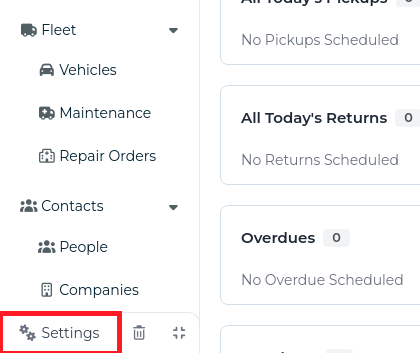
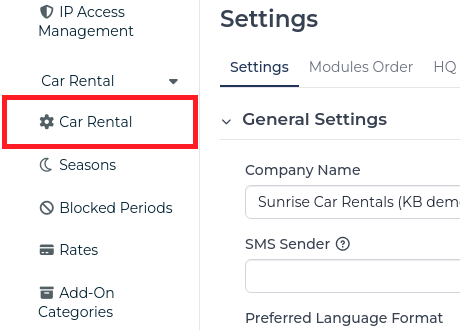

Page address: /settings/car-rental/charges-and-fees
Set The Fuel Charge
Section titled “Set The Fuel Charge”- Open the section Additional Charges and choose the charge in Fuel Charge.
- Optional: open Taxes & Fees and choose a charge in Automatic Fee when Calculating Fuel Differences.
- Click Save at the bottom of the page.
Show me where (2 pictures)
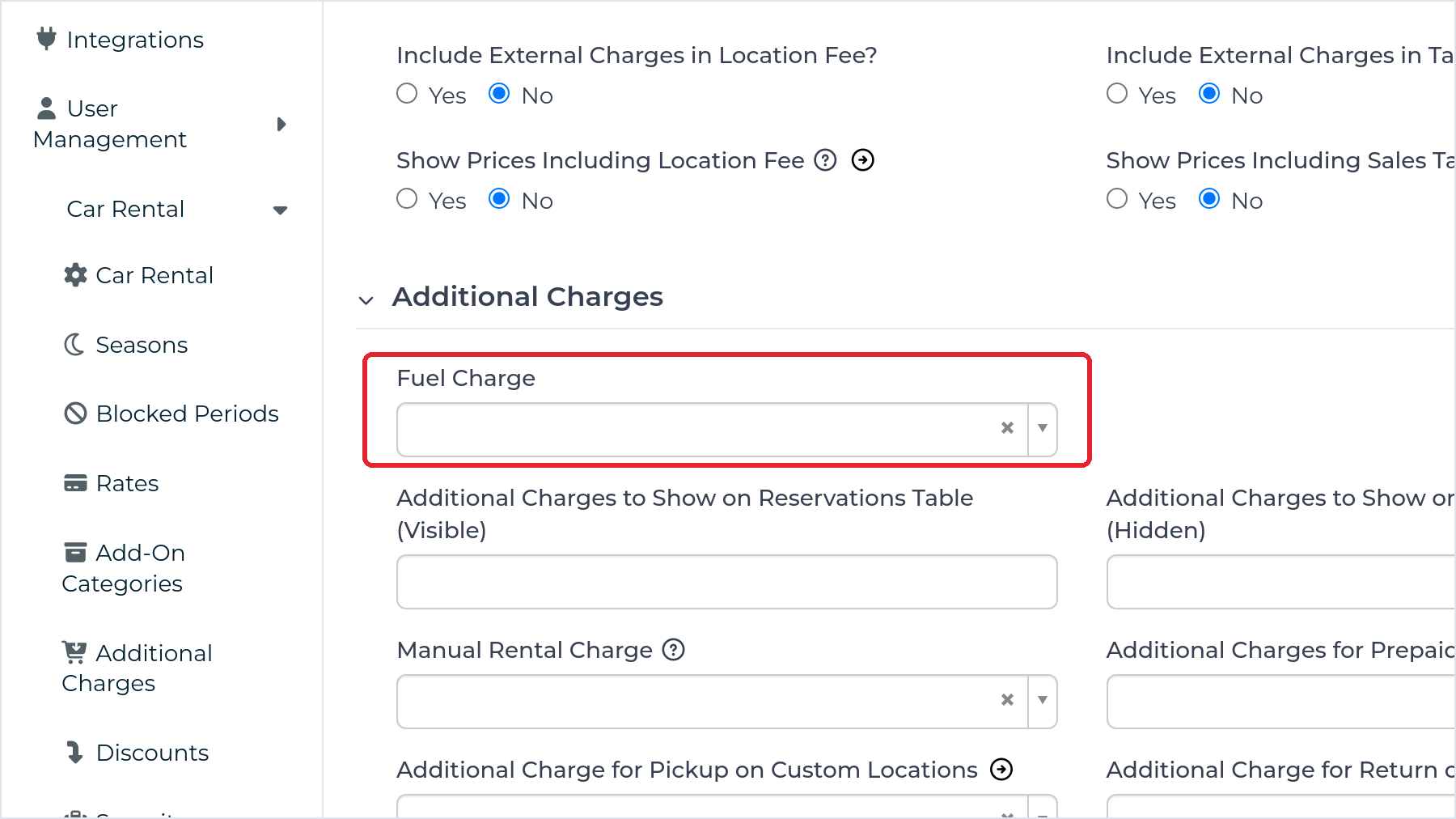
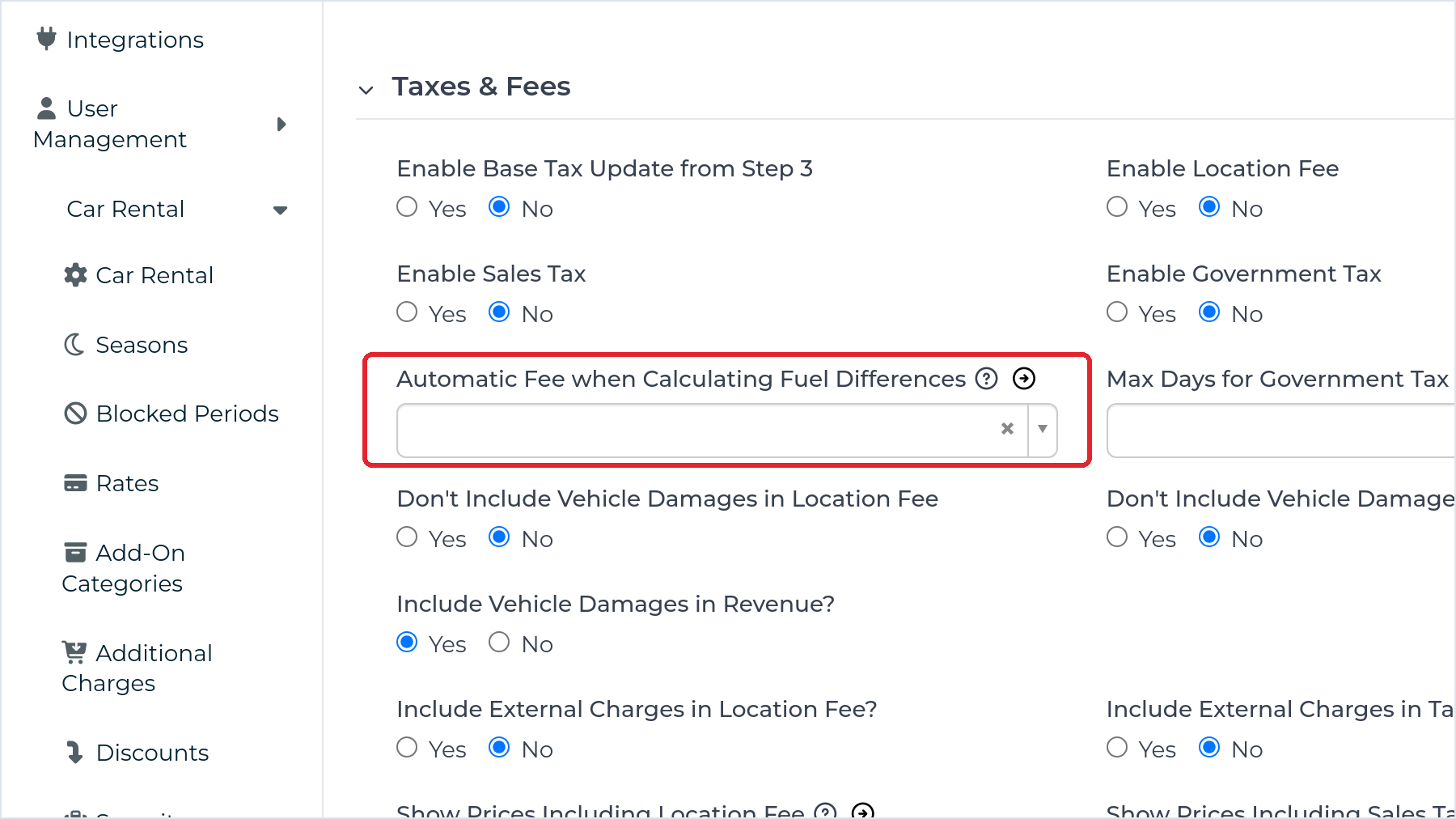
If Something Goes Wrong
Section titled “If Something Goes Wrong”Missing Fuel Was Not Charged
Section titled “Missing Fuel Was Not Charged”- Why it happens: Charge fuel to client? is No on step 9 of the reservation, or no Fuel Charge is chosen.
- What to do: Check step 9 of the reservation and the setting.
Settings Used In This Article
Section titled “Settings Used In This Article”Both are in Settings, under Car Rental, tab Charges & Fees.
- Fuel Charge: the charge priced per missing level. Section Additional Charges.
- Automatic Fee when Calculating Fuel Differences: a one time fee when fuel is charged. Section Taxes & Fees.
Related Articles
Section titled “Related Articles”- How Additional Charges Are Priced
- Create An Additional Charge
- How The Extras Dashboard Counts Fuel And Damages