Create An Add-On Category
Before You Start
Section titled “Before You Start”- Plan or add-on: All plans, Car Rental module.
How It Works
Section titled “How It Works”Layout And Editing
Section titled “Layout And Editing”Layout shows the charges as a vertical list or horizontal cards. Allowed Roles for Edit limits who can change the price of its charges on a reservation. Empty means everyone.
Example: Protection with Allowed Roles for Edit set to Manager. Agents cannot change the price of a cover on a reservation.
Set It Up
Section titled “Set It Up”Get There
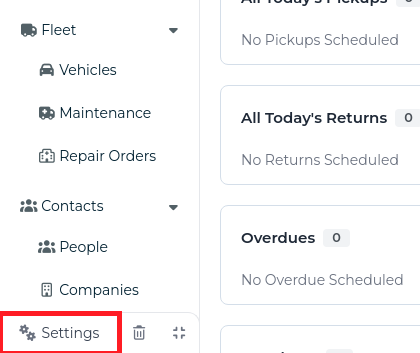
Section titled “Get There”- Click Settings at the bottom of the left menu.
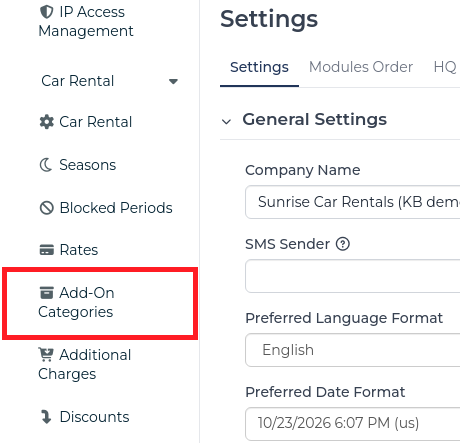
- In the left menu, under the group Car Rental, click Add-On Categories.
Show me where (2 pictures)
Page address: /settings/fleets/additional-charges-categories
Add The Category
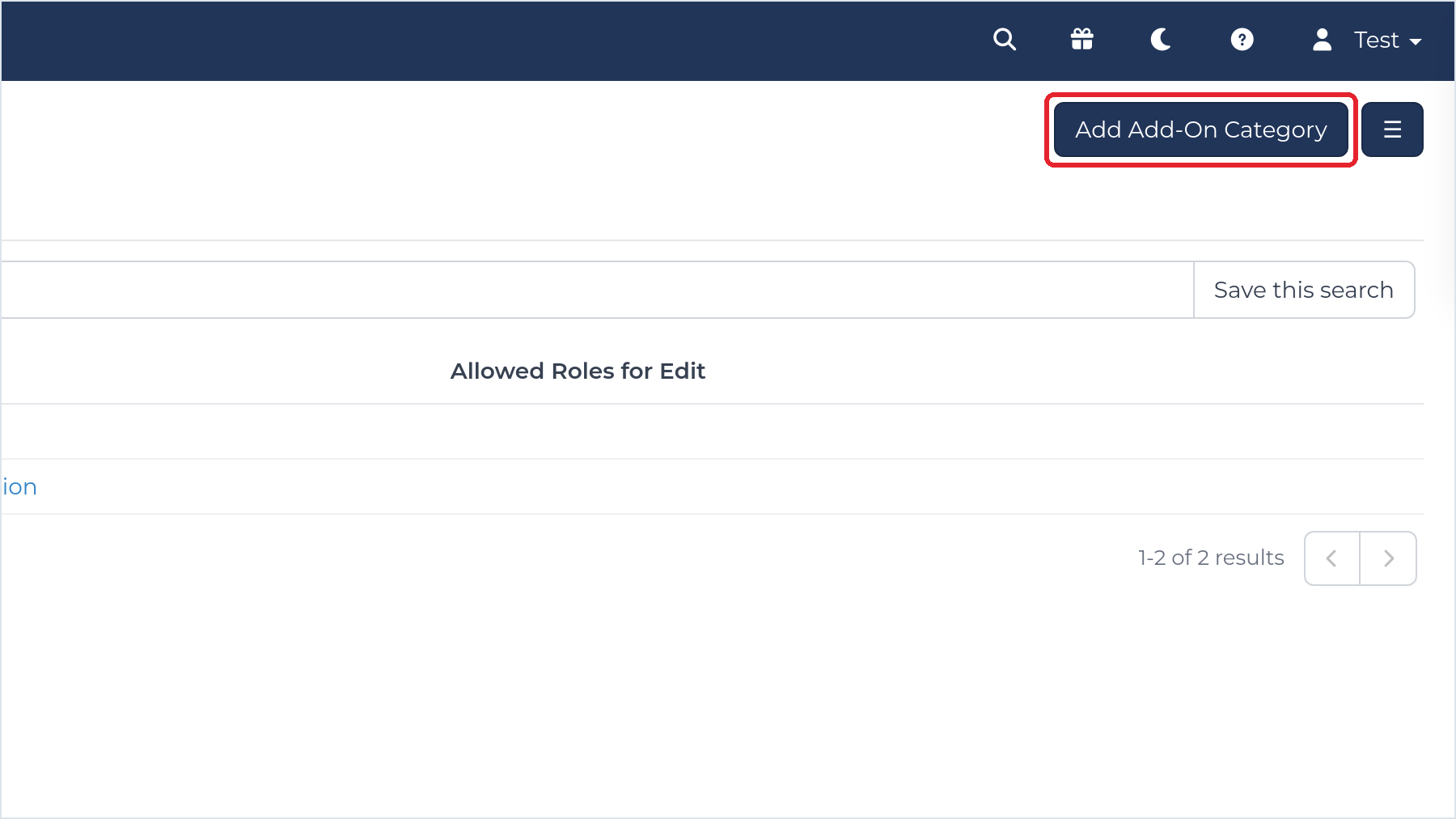
Section titled “Add The Category”- Click Add Add-On Category in the top right corner.
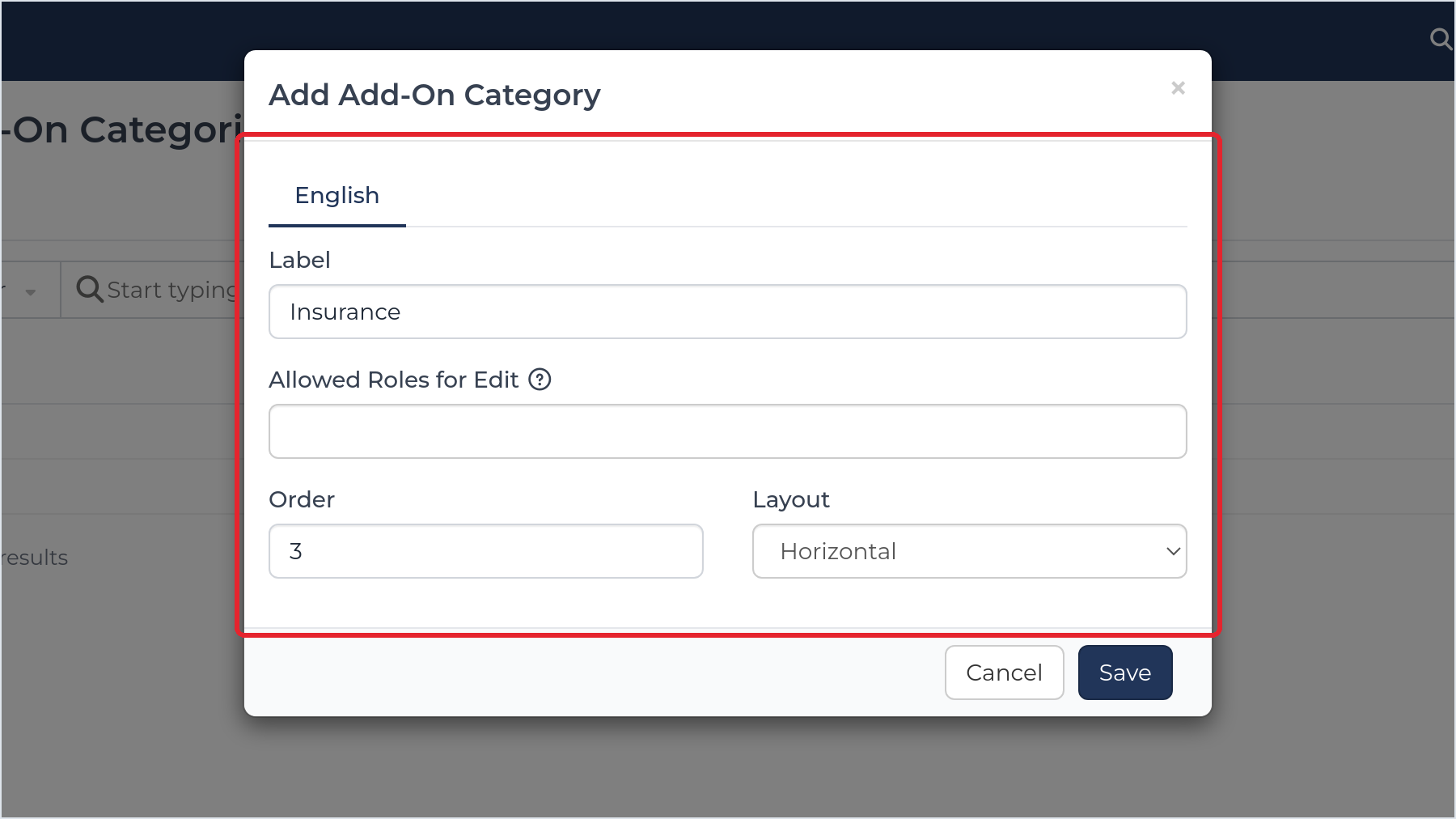
- Enter the Label for each language.
- Optional: choose Allowed Roles for Edit.
- Enter the Order and choose the Layout.
- Click Save.
Show me where (2 pictures)
Good To Know
Section titled “Good To Know”- New categories default to Horizontal. Categories made before the option existed are Vertical.