Distance Limits And Extra Distance Charges
Before You Start
Section titled “Before You Start”- Plan or add-on: All plans, Car Rental module.
- Distance limits need Enable Odometer Tracking set to Yes.
How It Works
Section titled “How It Works”The Allowance
Section titled “The Allowance”The allowance is the distance a reservation includes. HQ adds up the limits per month, per week and per day for the chargeable days, plus any fixed Distance Limit.
Example: 200 km per day and 1,000 km per week. A 10 day rental is 1 week and 3 days, so 1,000 + 3 × 200 = 1,600 km.
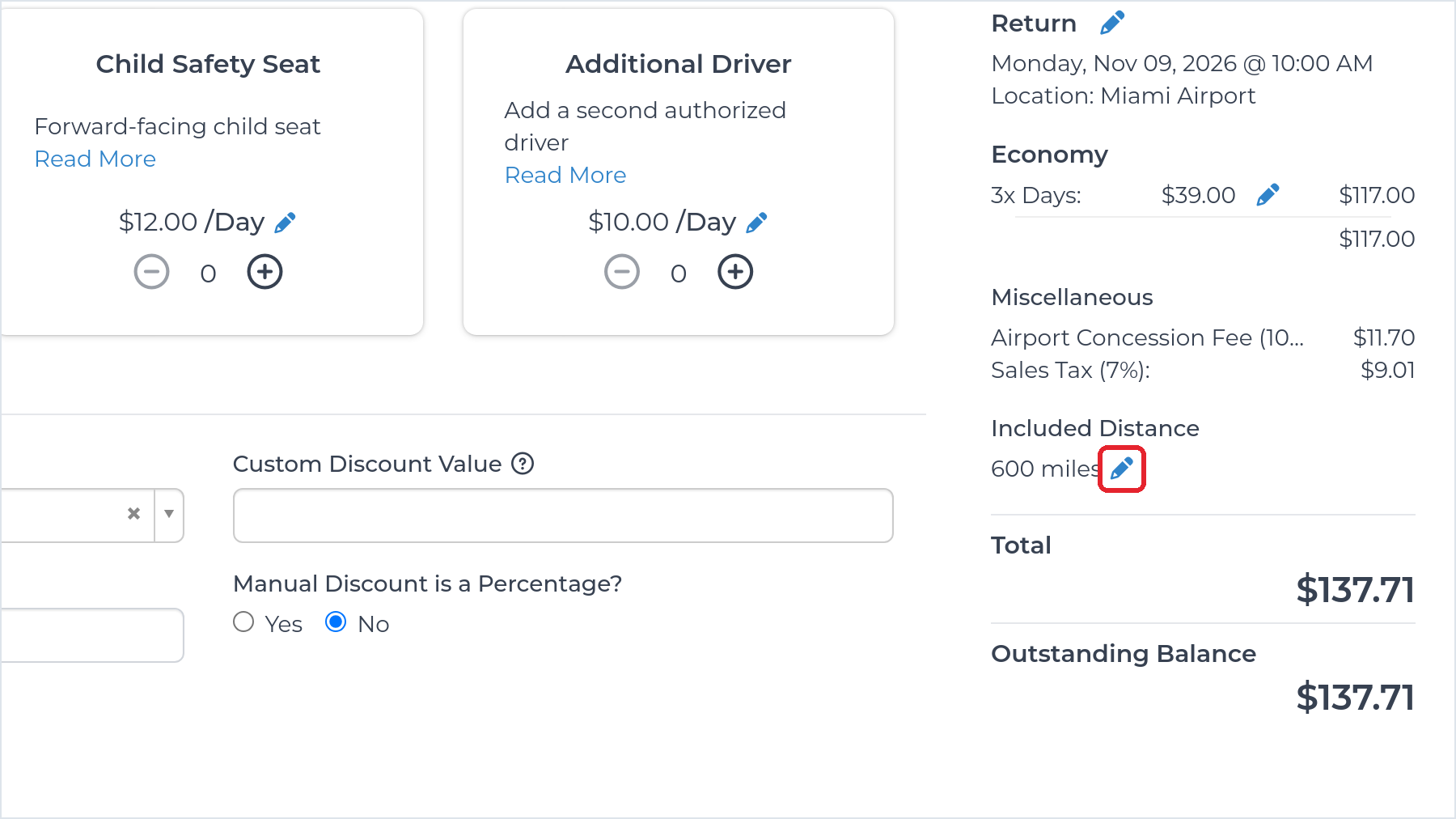
With Show Total Driven Distance on Summary set to Yes, the reservation summary shows the allowance as Included Distance.
Example: 200 miles a day on a 3 day Economy rental shows Included Distance 600 miles.
Where The Limits Come From
Section titled “Where The Limits Come From”HQ checks the customer first, then the Vehicle Class, then the Rate Type, then the general settings. The first value found wins.
Example: The general limit is 200 km a day, and Economy has 150 km. An Economy rental gets 150 km a day.
Extra Distance At Return
Section titled “Extra Distance At Return”At return, HQ compares the distance driven with the allowance. Each extra unit is charged with the Additional Charge for Exceeded Distance.
Example: Allowance 1,600 km, driven 1,900 km, $0.25 per km. The extra 300 km cost $75.
Good To Know
Section titled “Good To Know”- The word “Distance” comes from your text settings. Your account may show “Mileage”.
- HQ uses the Vehicle Class the reservation was booked with, even after an upgrade.
- If no extra distance charge is set, extra distance is never charged.
If Something Goes Wrong
Section titled “If Something Goes Wrong”I Do Not See The Distance Limits Section
Section titled “I Do Not See The Distance Limits Section”- Why it happens: Enable Odometer Tracking is No.
- What to do: See Set Up Distance Limits.