How Chargeable Days Are Counted
Before You Start
Section titled “Before You Start”- Plan or add-on: All plans, Car Rental module.
How It Works
Section titled “How It Works”Full Days And Extra Time
Section titled “Full Days And Extra Time”HQ counts one day for every full 24 hours from the pickup time. Time after the last full day is extra time.
Example: Pickup Monday 10:00, return Thursday 10:00 is 3 days. Return Thursday 12:00 is 3 days and 2 extra hours.
Other rules can change the count. Each has its own article:
- An extra day for early pickups or late returns.
- Grace periods for pickups and returns.
- A minimum number of days.
- A fee for short rentals.
- Calendar day bookings, which count dates instead of 24 hours.
When Extra Hours Are Charged By The Hour
Section titled “When Extra Hours Are Charged By The Hour”Extra time is charged at the Hourly Rate of the rate (the price per hour you set on each rate). HQ first rounds the extra minutes:
- A part hour counts as a full hour when its minutes reach Apply Extra Hour After x Minutes. If that setting is empty, HQ uses 30 minutes.
- Below that, the minutes are not charged, unless you use per minute rates.
- If the rate has no Hourly Rate, extra hours are free, as long as they stay under the limit in the next section.
Example: Daily Rate $50, Hourly Rate $10, pickup Monday 10:00.
- Return Thursday 12:00: 3 days + 2 hours = $150 + $20 = $170.
- Return Thursday 12:40: 2 hours 40 minutes rounds up to 3 hours = $150 + $30 = $180.
- Same rate without an Hourly Rate, return Thursday 12:00: $150.
When Extra Hours Become An Extra Day
Section titled “When Extra Hours Become An Extra Day”If the extra time is more than Apply Daily Price After More Than x Hours, HQ charges one more day instead of hours. Exactly that number of hours is still charged by the hour. If the setting is empty, extra time never becomes a day.
Example: Apply Daily Price After More Than x Hours = 3, Daily Rate $50, Hourly Rate $10, pickup Monday 10:00.
- Return Thursday 13:00: exactly 3 extra hours = $150 + $30 = $180.
- Return Thursday 13:30: more than 3 extra hours = 4 days = $200.
Rentals Shorter Than One Day
Section titled “Rentals Shorter Than One Day”- If the rate has an Hourly Rate, HQ charges by the hour until the rental passes Apply Daily Price After More Than x Hours. Then it charges 1 day.
- If the rate has no Hourly Rate, HQ charges 1 day.
Example: With the rates above, a 2 hour rental costs $20. A 4 hour rental costs 1 day, $50.
Set It Up
Section titled “Set It Up”Get There
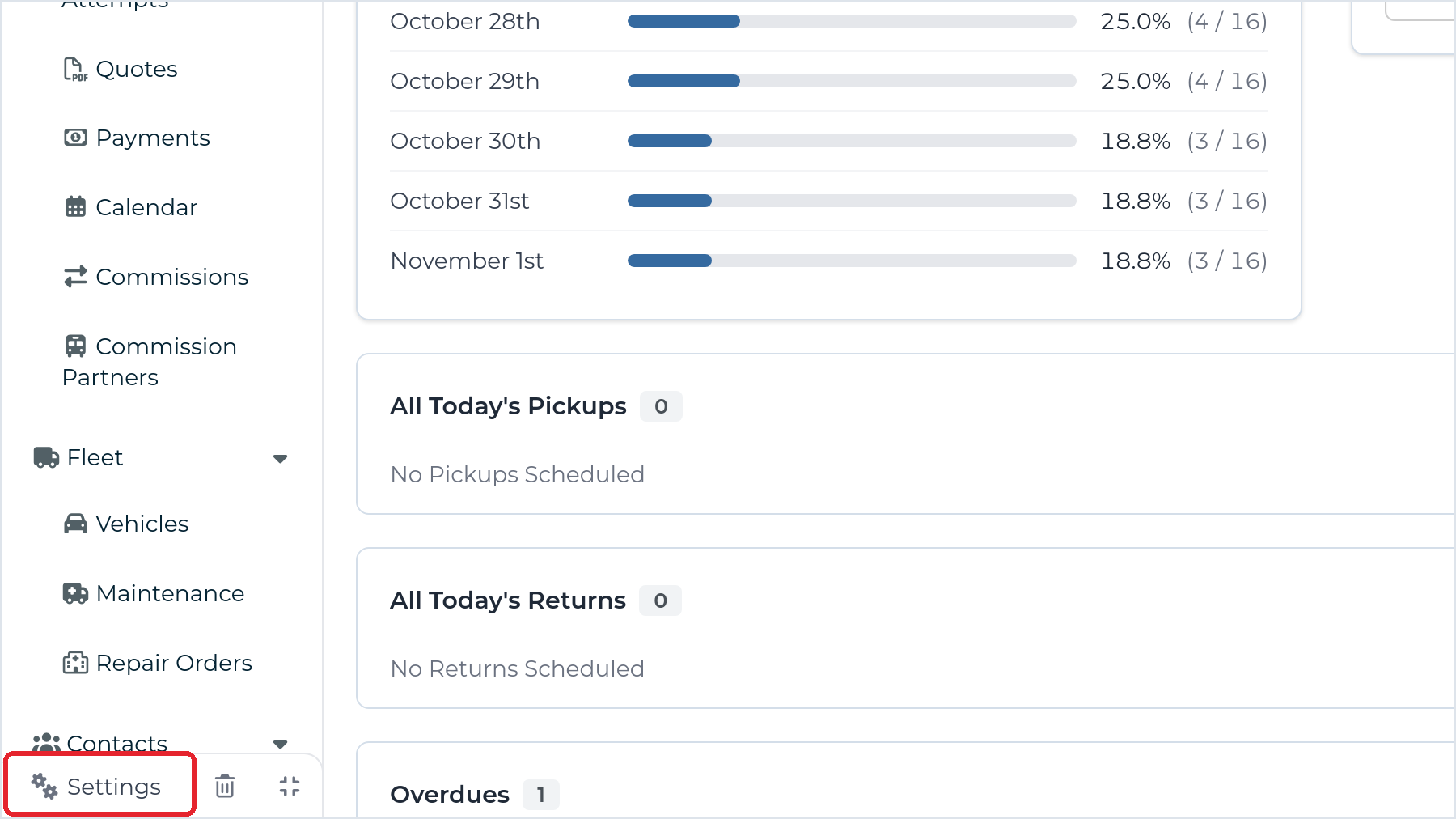
Section titled “Get There”- Click Settings at the bottom of the left menu.
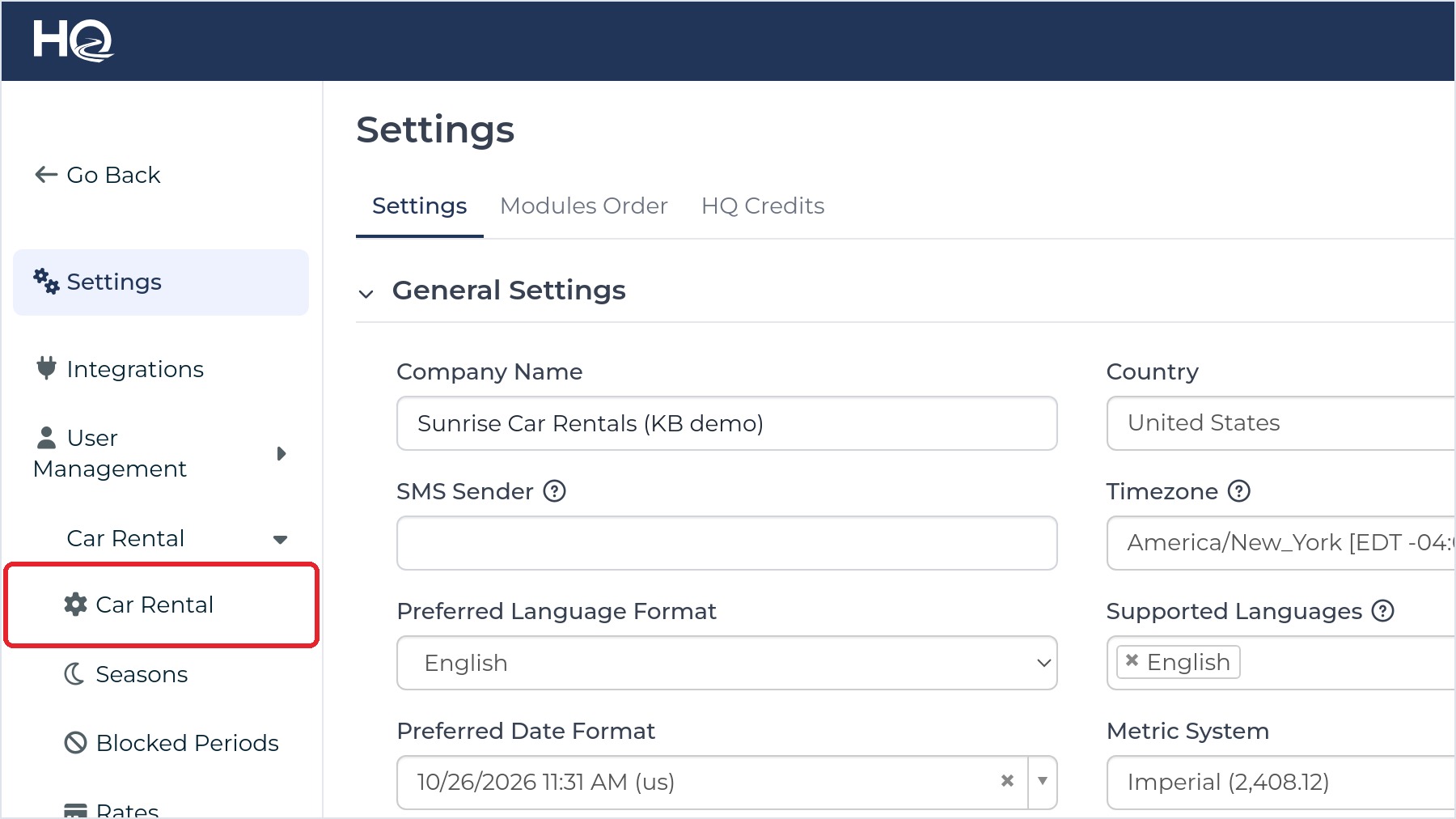
- In the left menu, under the group Car Rental, click Car Rental.
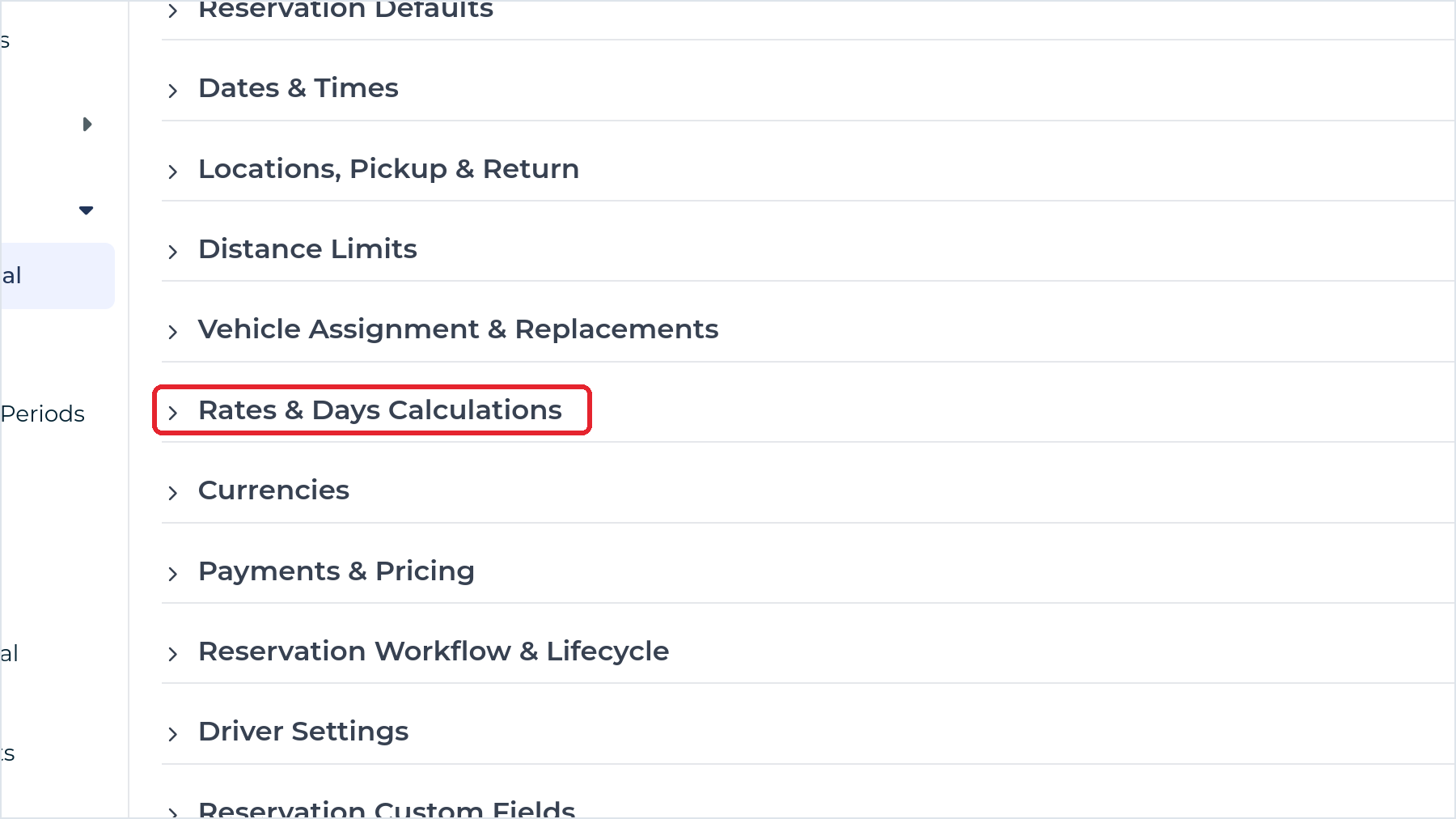
- Stay on the tab General Settings. Click the section Rates & Days Calculations to open it.
Show me where (3 pictures)
Page address: /settings/car-rental
Change The Settings
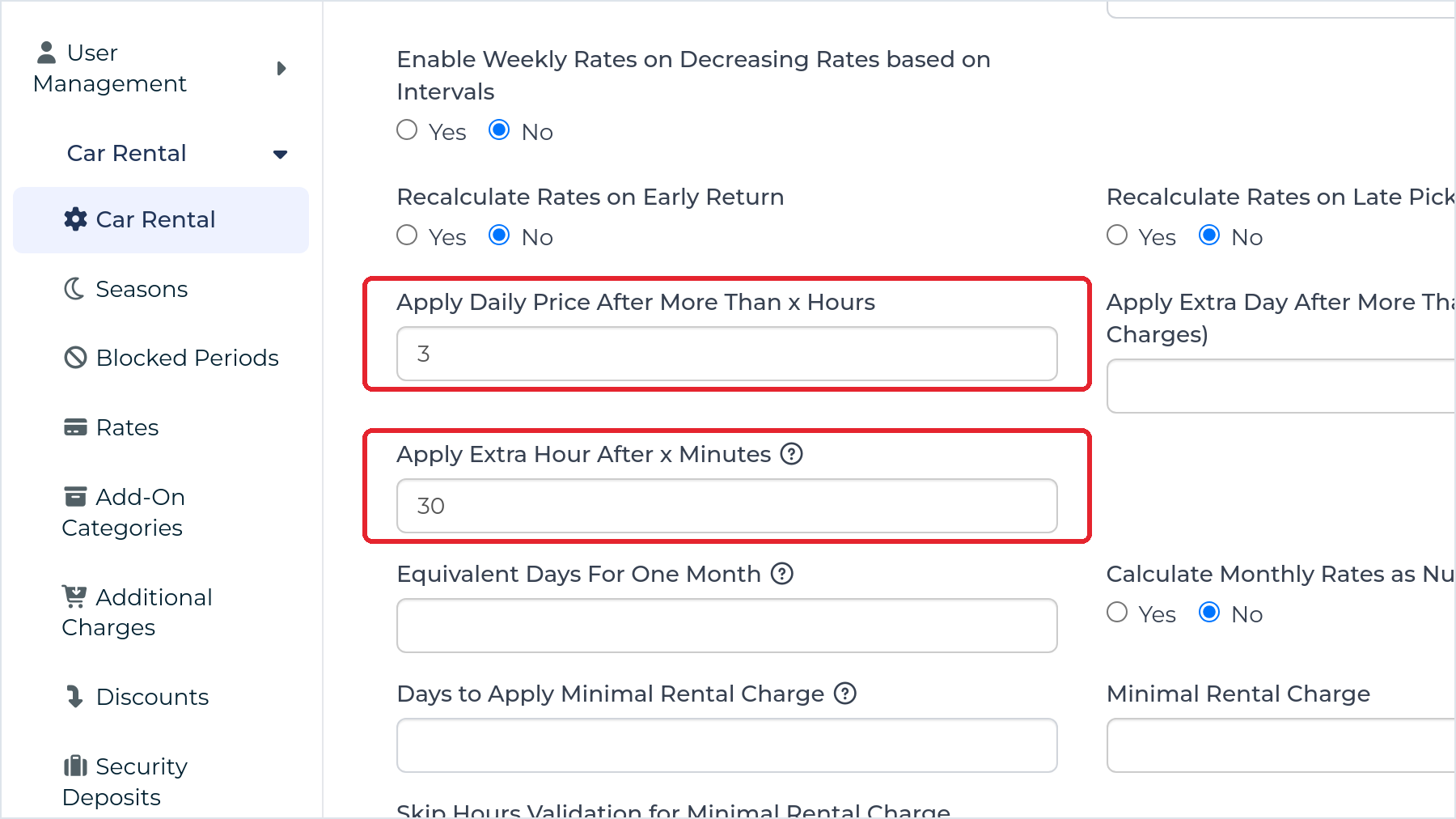
Section titled “Change The Settings”- Enter Apply Daily Price After More Than x Hours, for example 3.
- If you charge by the hour, enter Apply Extra Hour After x Minutes, for example 30.
- Click Save at the bottom of the page. New reservations now use these rules.
Show me where (1 picture)
Good To Know
Section titled “Good To Know”- Changing Apply Daily Price After More Than x Hours does not change existing reservations. Each one keeps the value saved when it was created.
- Additional Charges priced per day use their own setting, Apply Extra Day After More Than x Hours (Additional Charges). See How Additional Charges Are Priced.
- With Enable Multiple Seasons Bookings = Yes, HQ counts each Season (a date range with its own rates) of a rental on its own.
- A month counts as Equivalent Days For One Month days, or 30 if empty. See Hourly, Daily, Weekly And Monthly Rates.
If Something Goes Wrong
Section titled “If Something Goes Wrong”A Customer Was Charged An Extra Day For A Few Extra Hours
Section titled “A Customer Was Charged An Extra Day For A Few Extra Hours”- Why it happens: The extra time was more than Apply Daily Price After More Than x Hours, or an extra day time rule applied.
- What to do: Check the setting and the extra day time rules.
Extra Hours Were Not Charged
Section titled “Extra Hours Were Not Charged”- Why it happens: The rate has no Hourly Rate, and the extra time stayed under Apply Daily Price After More Than x Hours.
- What to do: Add an Hourly Rate to the rate, or lower the setting.
Changing The Setting Did Not Change An Existing Reservation
Section titled “Changing The Setting Did Not Change An Existing Reservation”- Why it happens: The value is saved on each reservation when it is created.
- What to do: Nothing is wrong. New reservations use the new value.
Settings Used In This Article
Section titled “Settings Used In This Article”Both are in Settings, under Car Rental, tab General Settings, section Rates & Days Calculations. Full details are in General Settings Reference: Rates & Days Calculations Part 2.
- Apply Daily Price After More Than x Hours: extra time longer than this many hours is charged as 1 more day. Decimals are allowed.
- Apply Extra Hour After x Minutes: a part hour counts as a full hour from this many minutes. Default 30 when empty.