Add A Discount To A Reservation
Before You Start
Section titled “Before You Start”- Plan or add-on: All plans, Car Rental module.
- Permissions: Can add/edit/remove discounts? to choose from the list, Can add Manual Discount? for manual discounts and Custom Amounts on Discounts to change a value.
How It Works
Section titled “How It Works”Coupon Code Or Manual Discount
Section titled “Coupon Code Or Manual Discount”- Coupon Code adds one of your discounts.
- Custom Discount Value replaces the value of a Percentage or Amount discount on this reservation only.
- Manual Discount is an amount, or a percentage of the rental price with Manual Discount is a Percentage? = Yes.
Example: Weekly Deal is 10%. With 15 in Custom Discount Value, this reservation gets 15% instead.
Set It Up
Section titled “Set It Up”Get There
Section titled “Get There”- In the left menu, under the group Car Rental, click Reservations.
Show me where (1 picture)
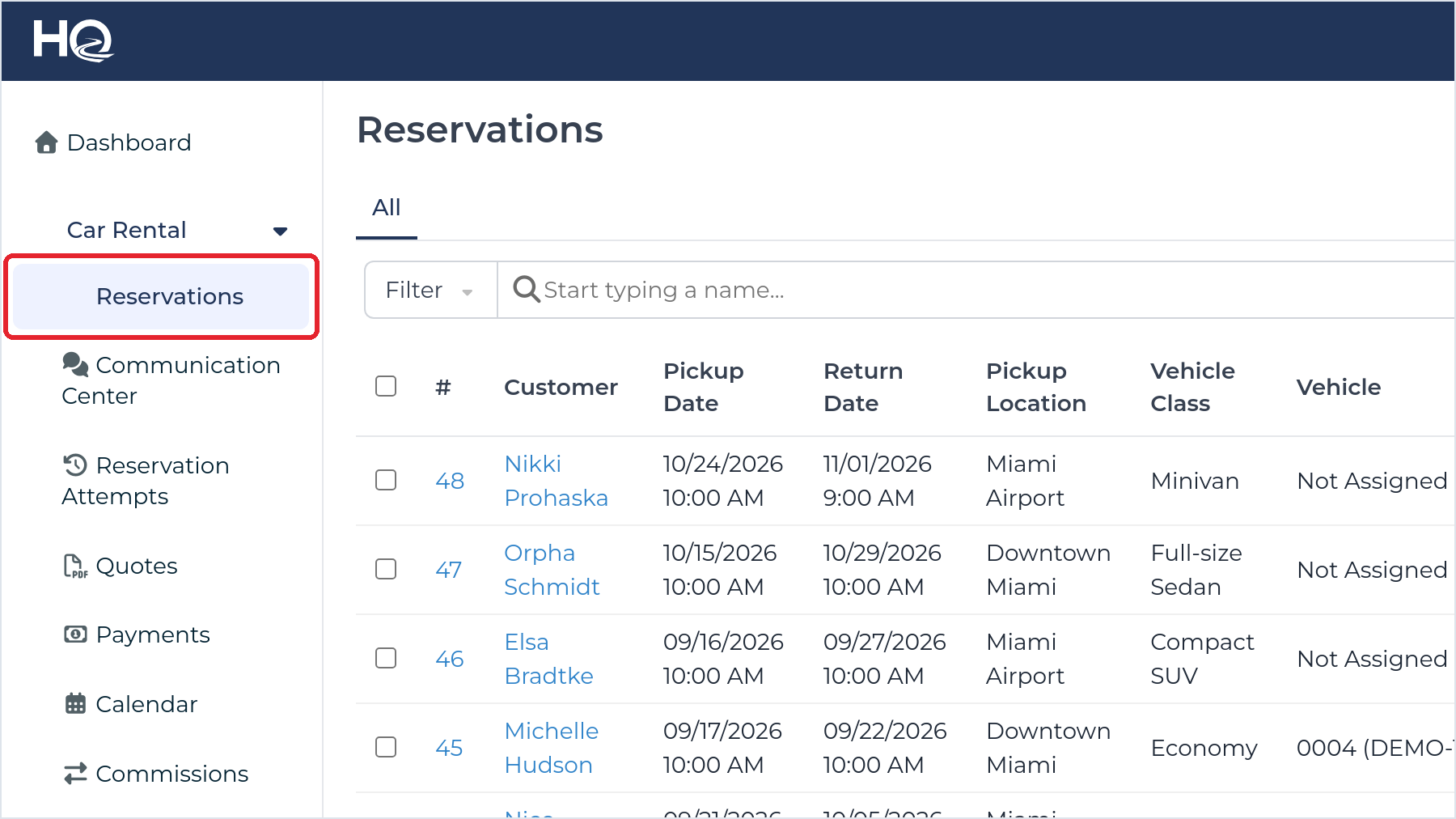
Page address: /car-rental/reservations
Add The Discount
Section titled “Add The Discount”- Click the reservation to open it.
- In the Discounts section, click Add Discount.
- Choose the Coupon Code.
- Optional: enter a Custom Discount Value or a Manual Discount.
- Click Save.
Show me where (2 pictures)
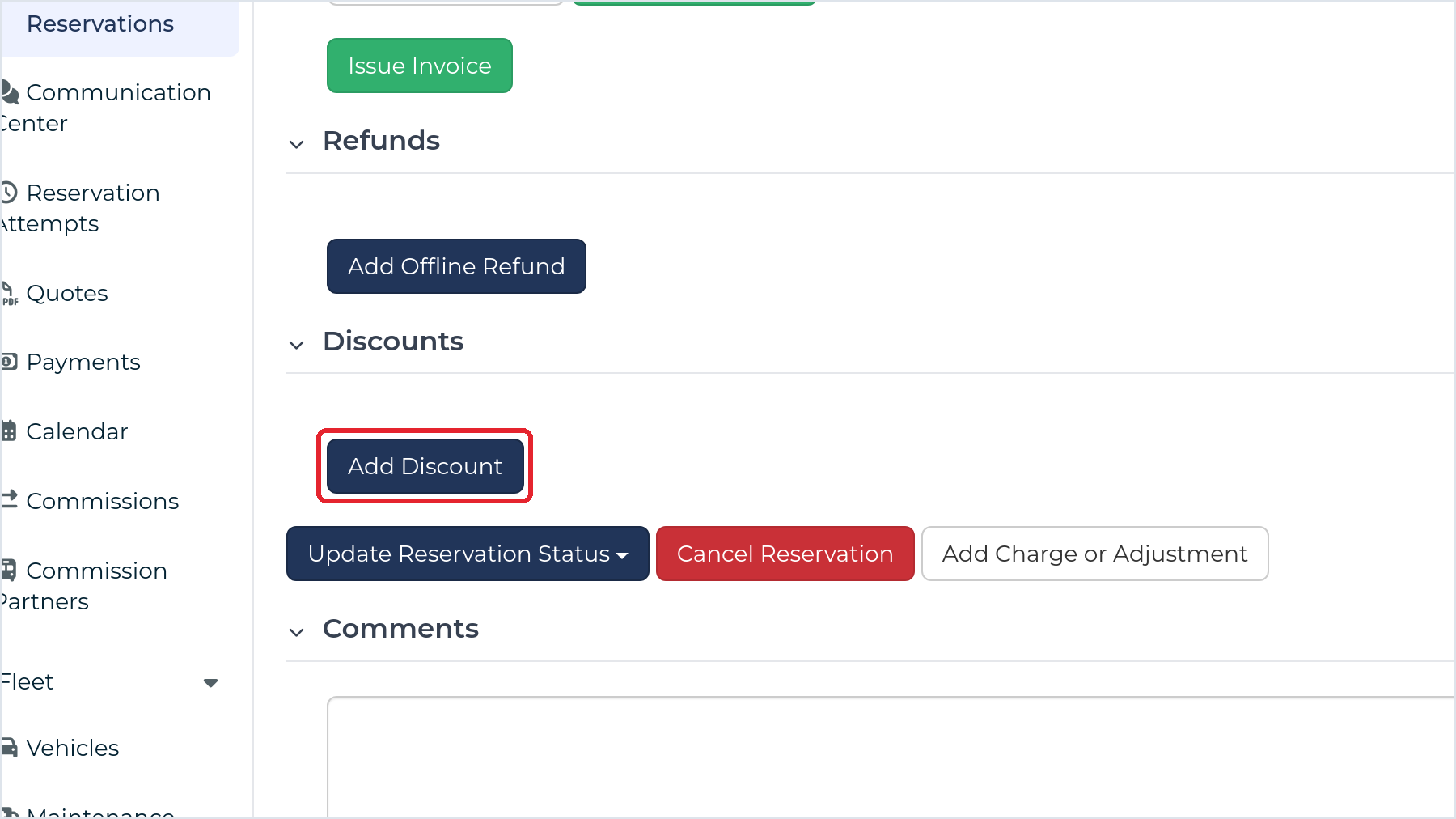
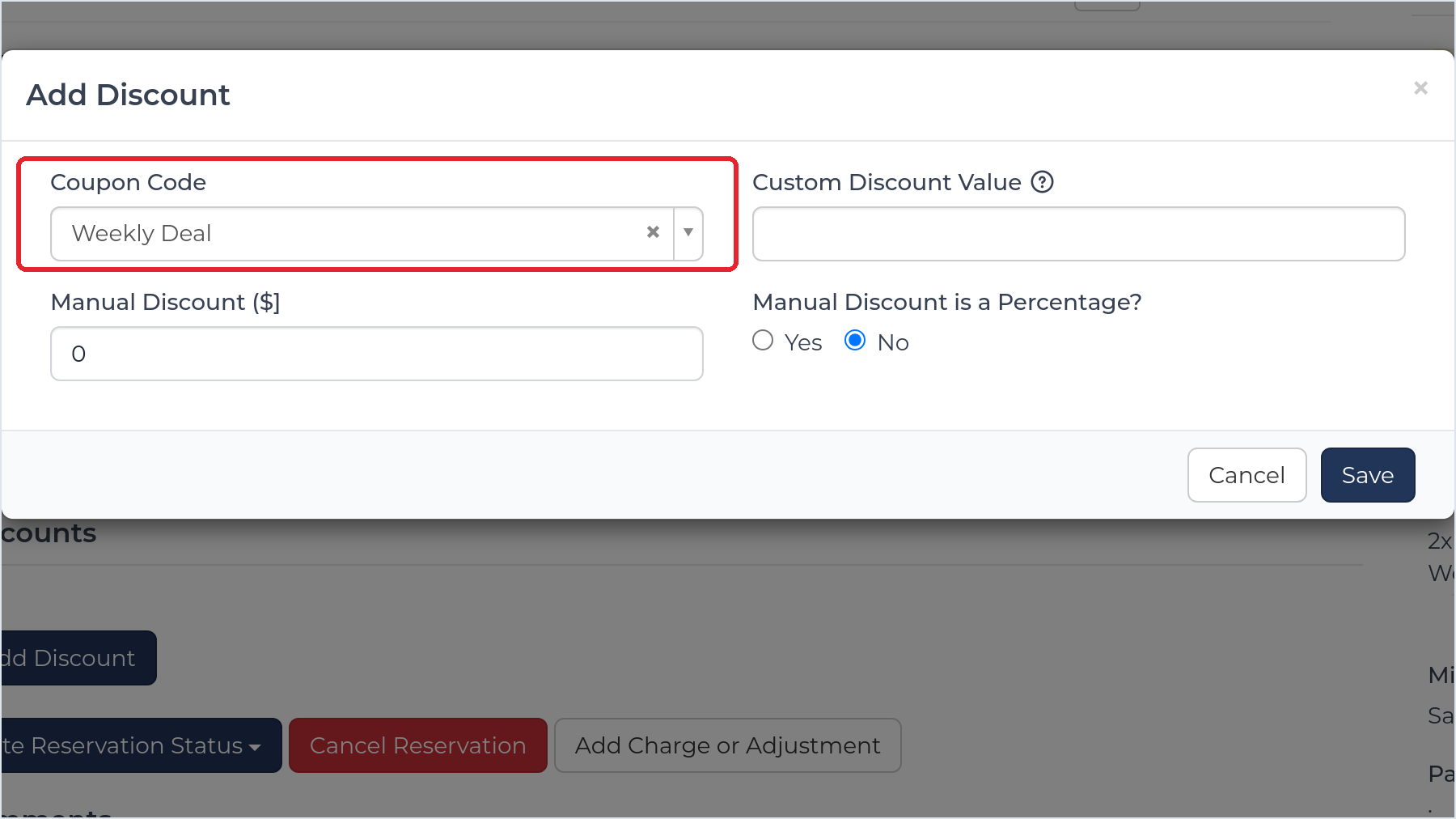
Good To Know
Section titled “Good To Know”- Users with Can add/edit/remove discounts? (Text Selection Only) type the code instead of choosing it.
- An exclusive discount cannot be added next to another discount.
If Something Goes Wrong
Section titled “If Something Goes Wrong”Add Discount Is Missing
Section titled “Add Discount Is Missing”- Why it happens: The role has no discount permission, or Hide Discounts is Yes.
- What to do: Ask an administrator to check the role and the setting.