Copying Rates And Filling Missing Rates
Before You Start
Section titled “Before You Start”- Plan or add-on: All plans, Car Rental module.
- Who can do it: a role with access to the Rates page.
How It Works
Section titled “How It Works”Which Shortcut To Use
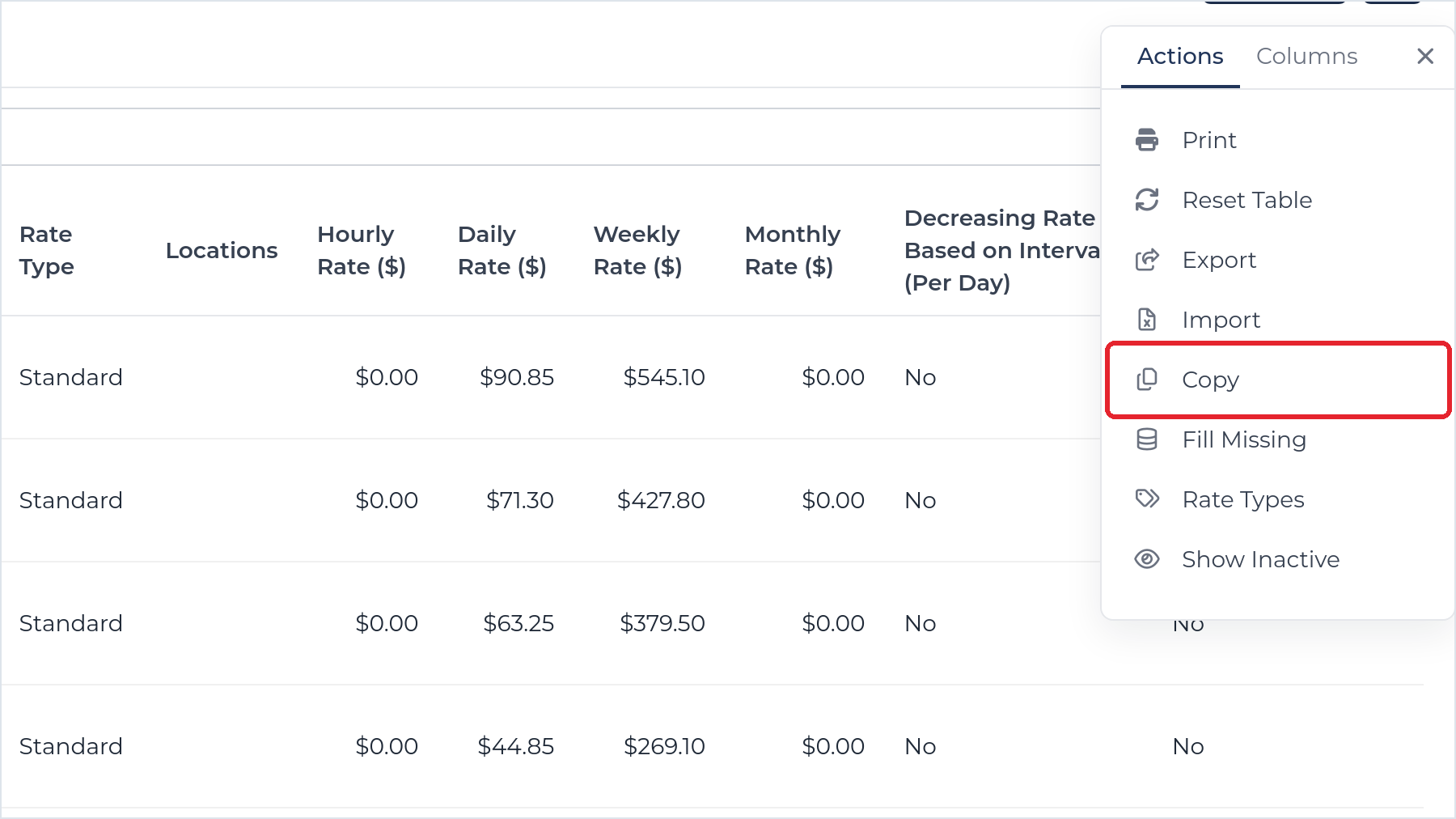
Section titled “Which Shortcut To Use”- Copy: give a new Vehicle Class all the rates of another class.
- Fill Missing: type prices for every Season and Vehicle Class that has no rate yet, in one table.
- Clone: start a new rate from an existing one.
Example: You add a Compact class. Copy gives it Economy’s rates. Fill Missing lists the Seasons still empty. Clone makes a Corporate version of one rate.
They Never Change Existing Rates
Section titled “They Never Change Existing Rates”Copy and Fill Missing only create rates. A Season that already has a rate for the class is skipped.
Example: Compact already has a High Season rate of $45. Copying Economy at $50 leaves it at $45.
Good To Know
Section titled “Good To Know”- Rates of Rate Calendar seasons are not copied and not listed in Fill Missing.
- Rates created by Fill Missing have no Rate Type. Choose one on each new rate if you use Rate Types.