Set Grace Periods For Pickups And Returns
Before You Start
Section titled “Before You Start”- Plan or add-on: All plans, Car Rental module.
How It Works
Section titled “How It Works”Early Pickups
Section titled “Early Pickups”A vehicle can go out early by up to Grace Period in Hours for Vehicle Pickup. HQ still charges from the planned pickup time. If it goes out earlier, HQ charges from the actual pickup time plus the grace period.
Example: Planned pickup Monday 10:00, grace period 2 hours.
- Out at 08:30: charged from 10:00.
- Out at 07:00 (3 hours early): charged from 09:00, so 1 extra hour is counted.
Late Returns
Section titled “Late Returns”HQ takes Grace Period in Hours for Vehicle Return off the late time before charging it. To decide if the late time becomes an extra day, HQ still uses the full late time.
Example: Planned return Thursday 10:00, grace period 1 hour, Daily Rate $50, Hourly Rate $10, Apply Daily Price After More Than x Hours = 3.
- Returned 10:45: no extra charge.
- Returned 12:00 (2 hours late): 1 hour is charged = $10.
- Returned 13:30 (3 hours 30 minutes late): 1 extra day = $50.
Set It Up
Section titled “Set It Up”Get There
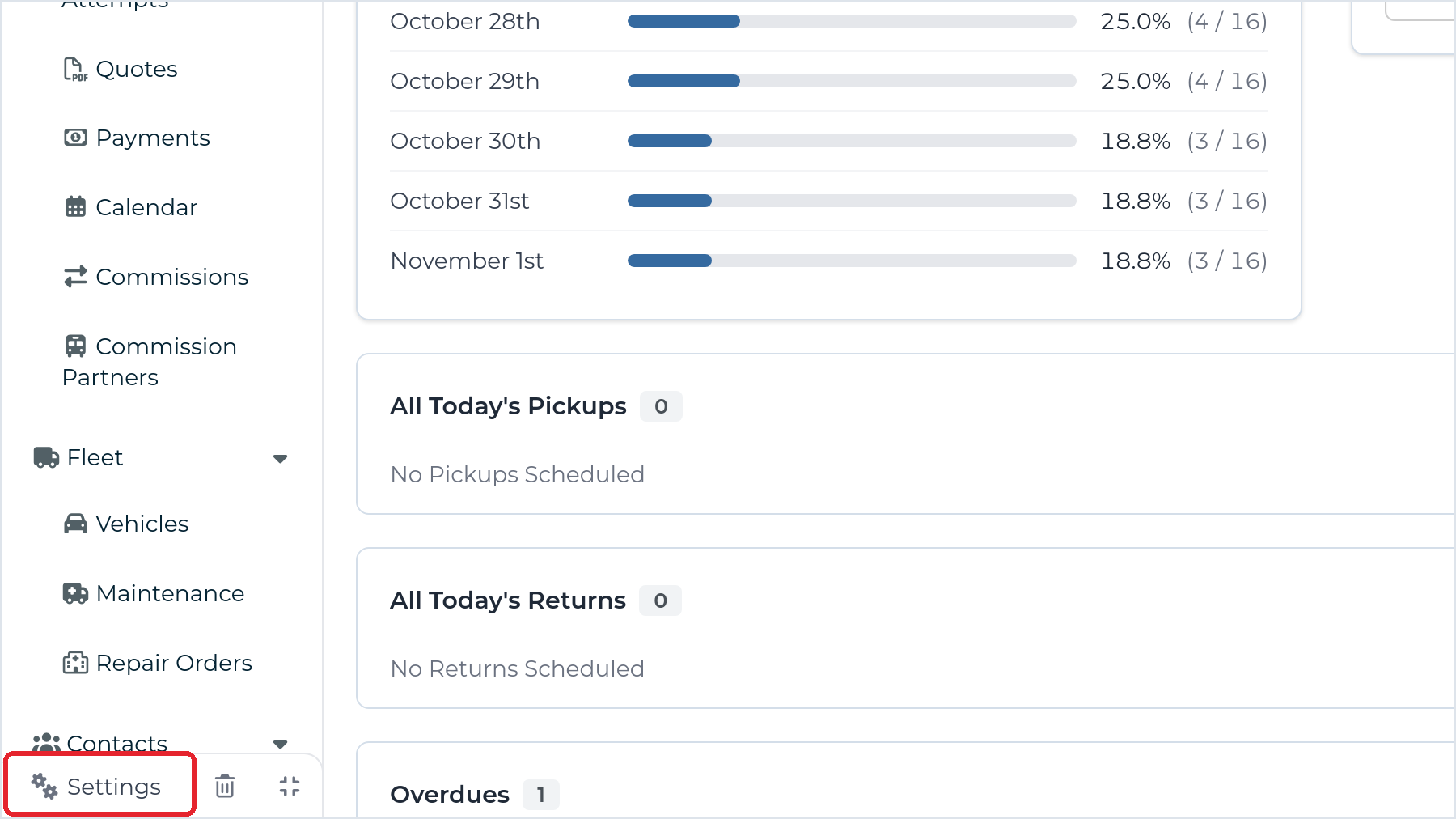
Section titled “Get There”- Click Settings at the bottom of the left menu.
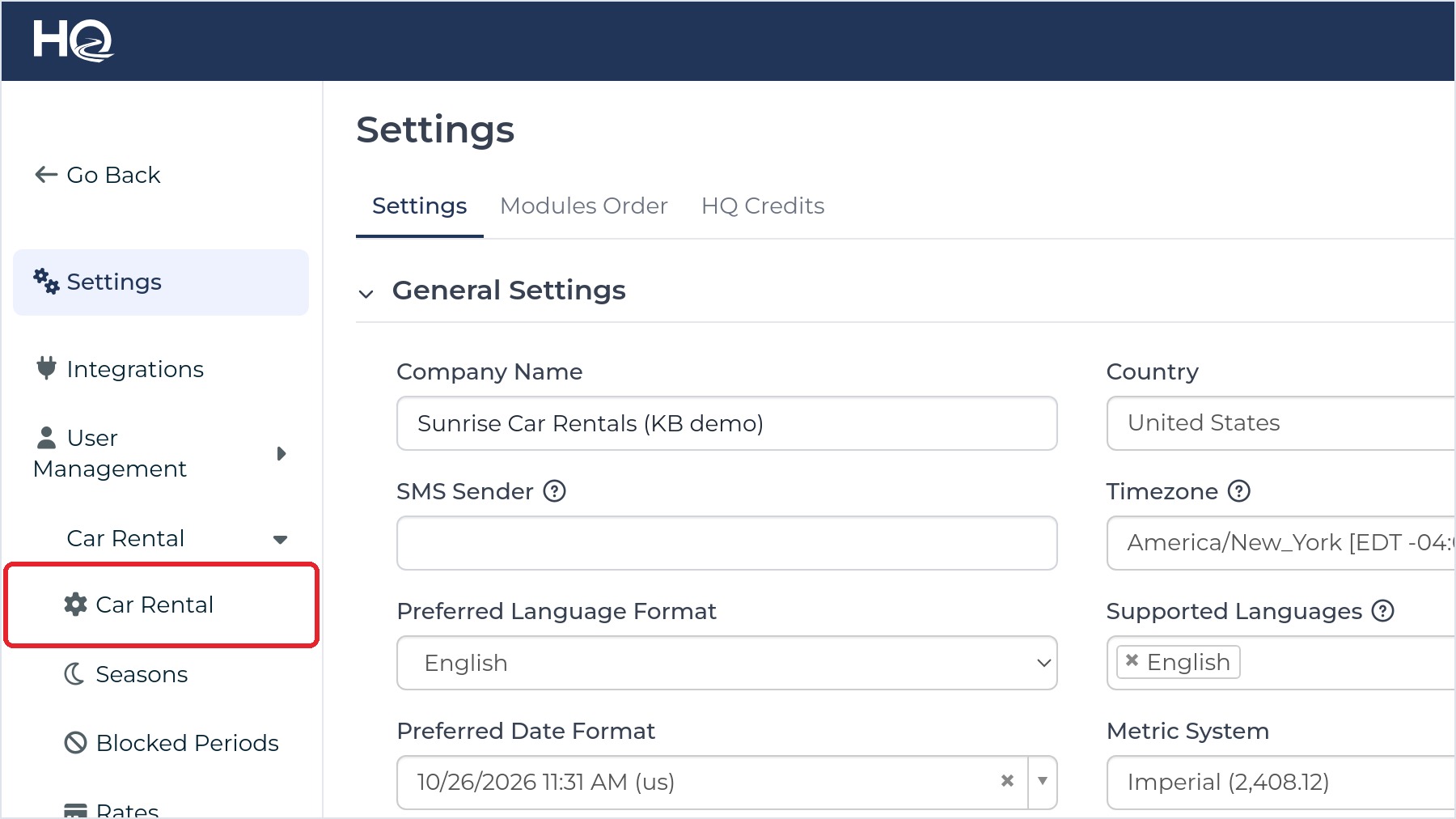
- In the left menu, under the group Car Rental, click Car Rental.
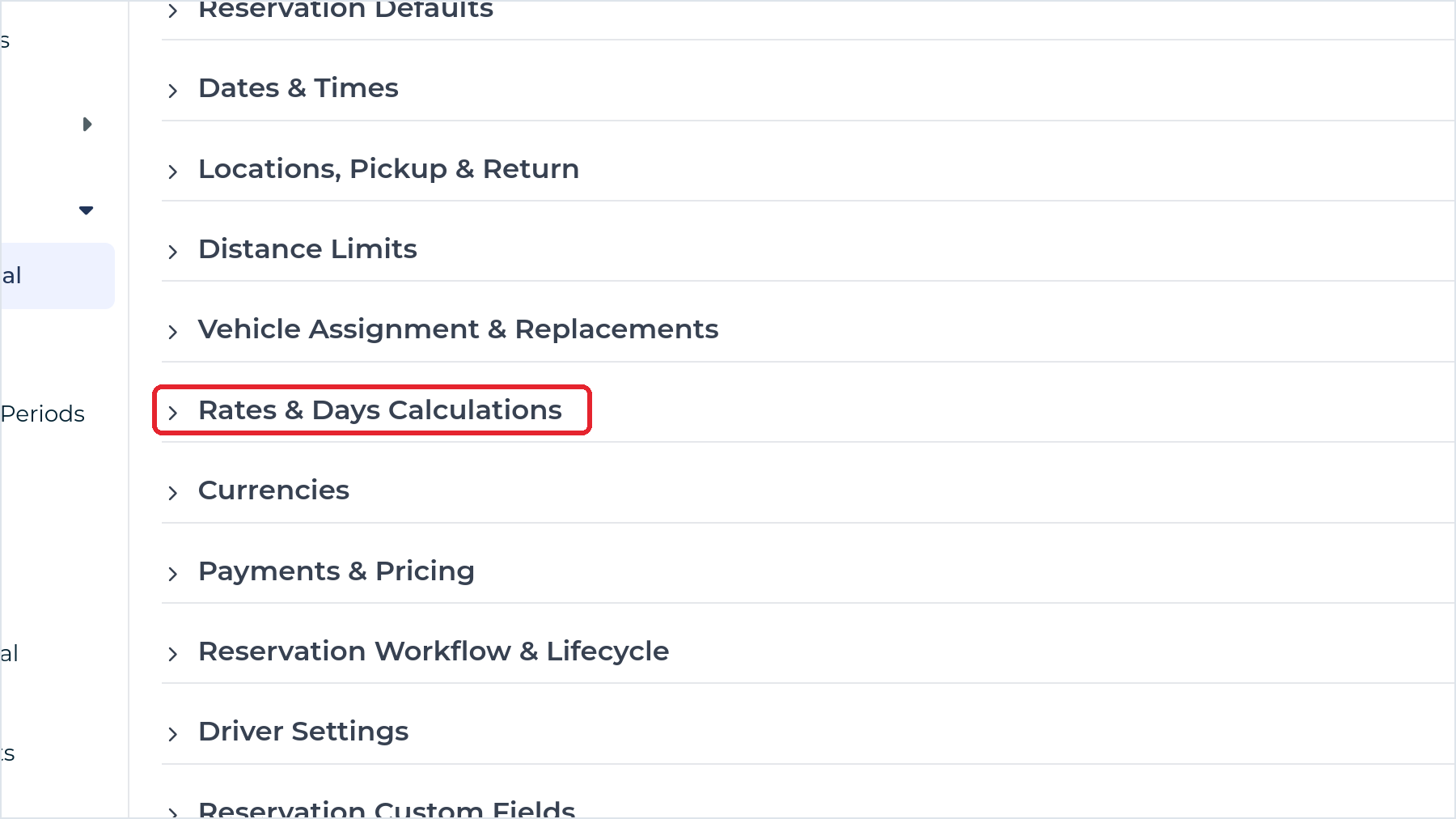
- Stay on the tab General Settings. Click the section Rates & Days Calculations to open it.
Show me where (3 pictures)
Page address: /settings/car-rental
Set The Grace Periods
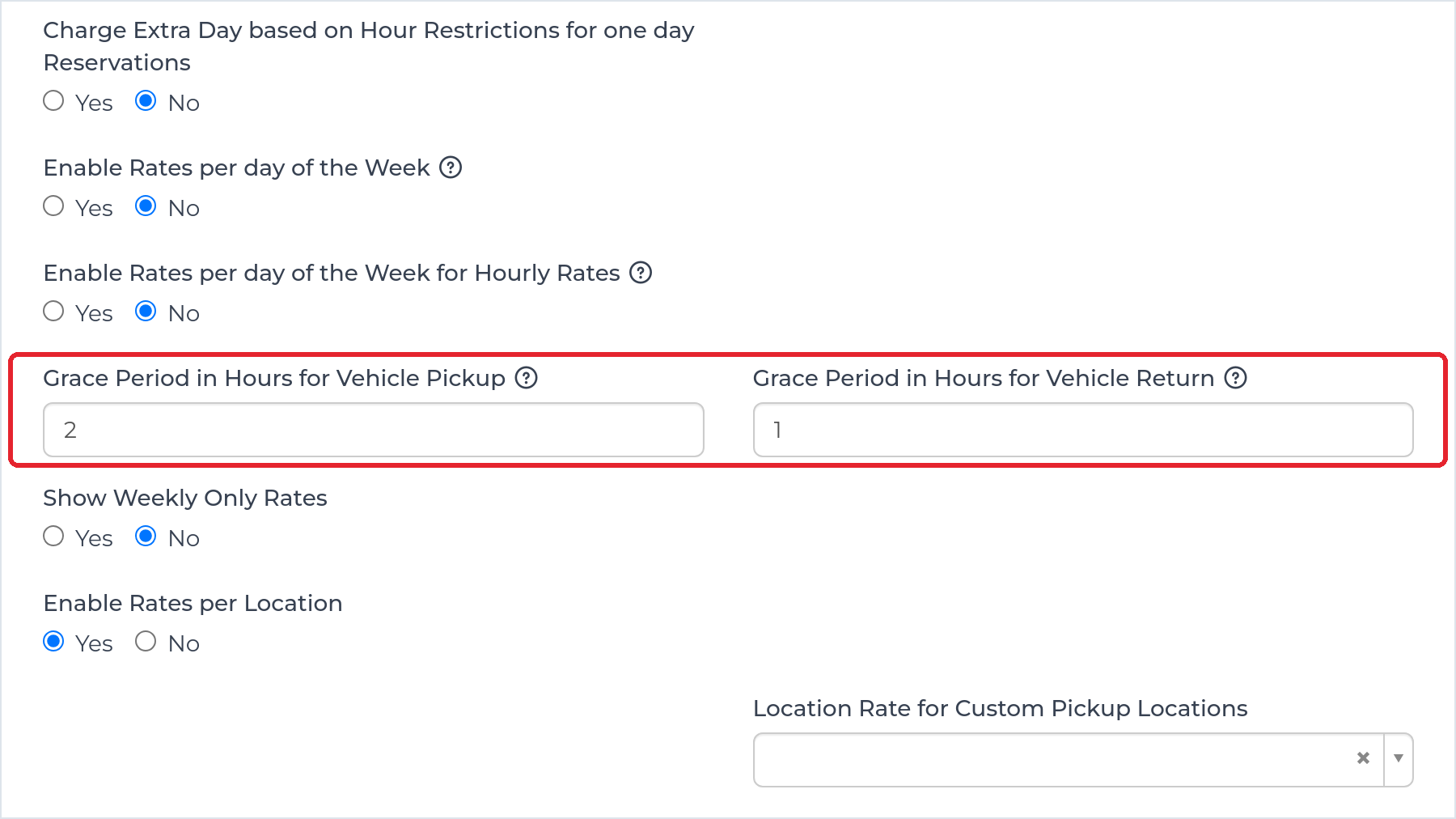
Section titled “Set The Grace Periods”- Enter Grace Period in Hours for Vehicle Pickup, for example 2. Decimals are allowed.
- Enter Grace Period in Hours for Vehicle Return, for example 1.
- Click Save at the bottom of the page.
Show me where (1 picture)
Good To Know
Section titled “Good To Know”- Each reservation keeps the pickup grace period that was set when it was created. The return grace period used is the one set when you process the return.
- A late pickup or an early return keeps the original price, unless you recalculate it in step 7 or step 9. See Processing A Pickup.
If Something Goes Wrong
Section titled “If Something Goes Wrong”A Late Return Was Charged A Full Day
Section titled “A Late Return Was Charged A Full Day”- Why it happens: The full late time was more than Apply Daily Price After More Than x Hours. The grace period does not change that check.
- What to do: Check that setting, as shown in How Chargeable Days Are Counted.
Settings Used In This Article
Section titled “Settings Used In This Article”Both are in Settings, under Car Rental, tab General Settings, section Rates & Days Calculations. Full details are in General Settings Reference: Rates & Days Calculations Part 2.
- Grace Period in Hours for Vehicle Pickup: hours a vehicle can go out early without charging the extra time.
- Grace Period in Hours for Vehicle Return: hours a vehicle can come back late for free.